Learning to Use TextBridge 4–23
Meaning of a word Click TextBridge Help in the Help
menu, and in the Contents tab,
click Glossary or use the Index.
Entire dialog box Click the Help button in the dialog
box.
A menu command Select the menu item and click F1.
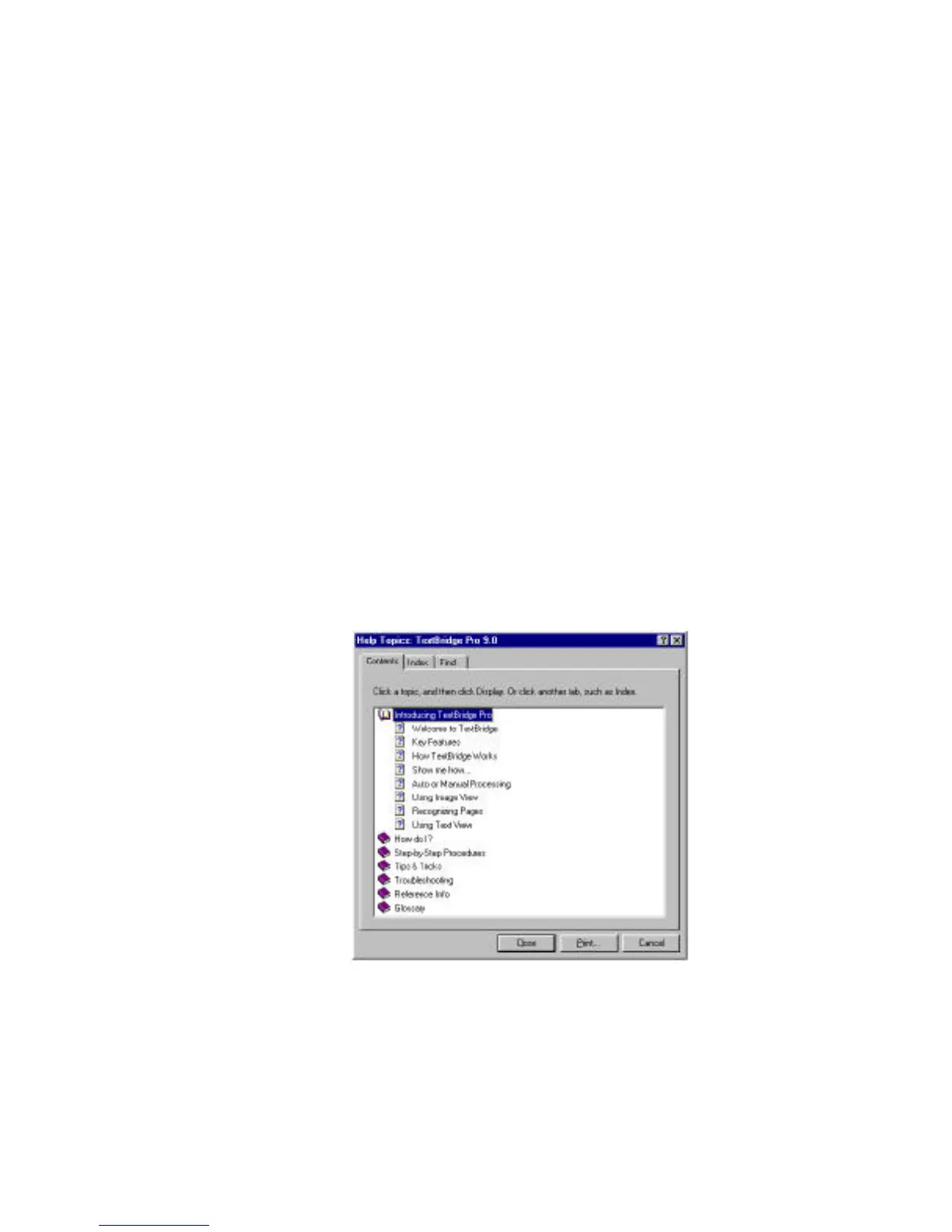
You can get Help by using the main Help Topics window (Figure
4–13) and by performing one of the activities in the following list:
◆ Select a topic from a book in the Contents tab.
◆ Select a topic from the Index tab.
◆ Search for information about a specific word or phrase using the
Find tab.
◆ Jump from one topic to a related topic.
Figure 4–13. Help Topics: TextBridge Pro 9.0 Help window



 To Next Page