3
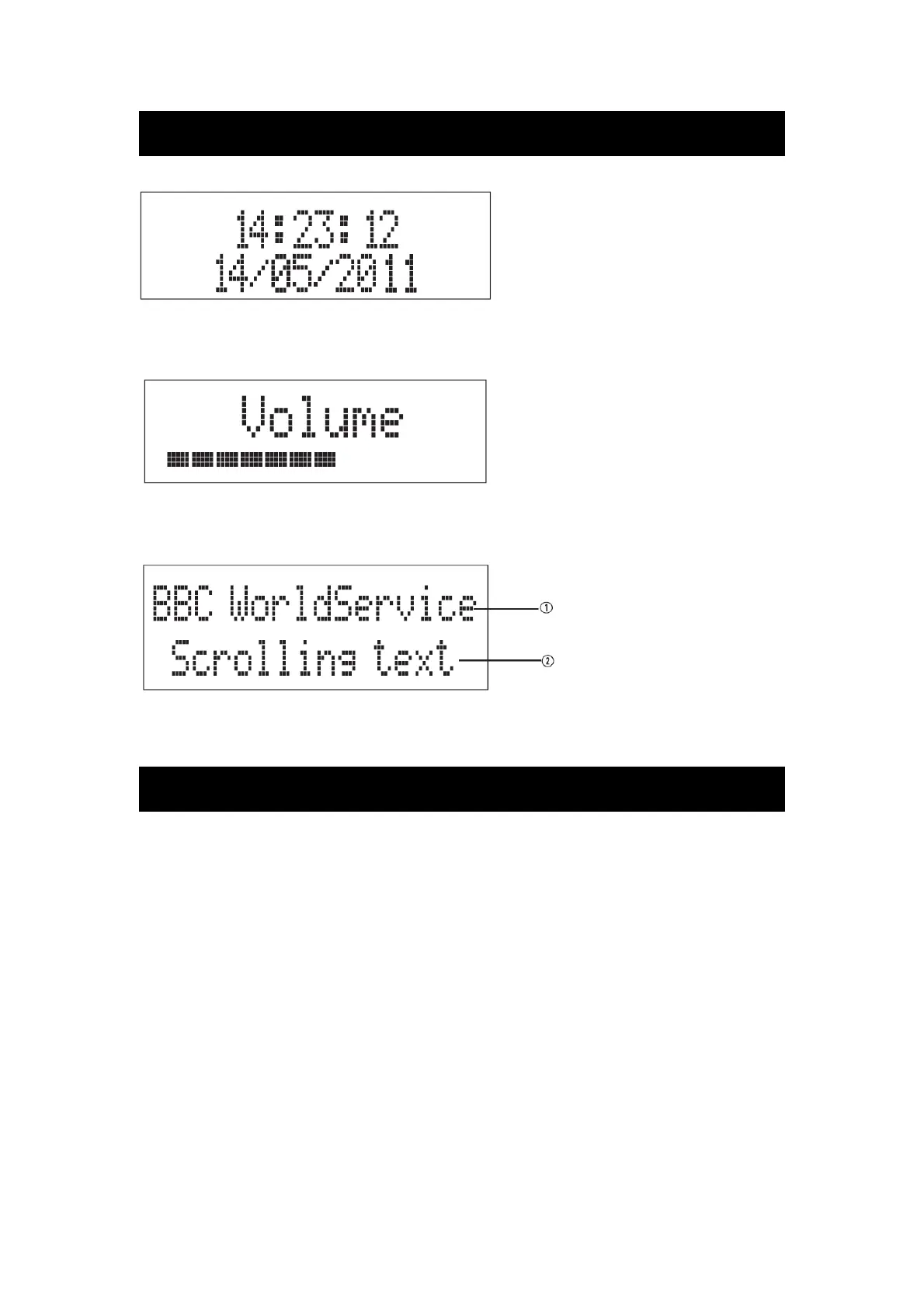
TIME DISPLAY
The display shows the current time and date when set to Standby.
VOLUME DISPLAY
When changing the volume level, the display shows a volume bar graph.
DISPLAY LAYOUT
1. Station name/Source display
2. Info display
DAB/FM AERIAL
Before using your radio for DAB or FM reception, pull out the telescopic antenna. You may
need to adjust the position of the telescopic antenna for maxing signal strength.
CONNECTING POWER
Before connecting the power, check that the mains voltage on the rating plate of the AC
adaptor is the same as the voltage in your area.
• Plug the DC cord from the AC adaptor into the DC jack on the back of the unit.
• Plug the AC adaptor into the wall socket and switch the mains power on.
The unit is now ready for use.
NOTE:-The AC adaptor may become warm during operation-this is normal.
When first connected to the power, the clock and calendar display will show “zeros”.
DISPLAY FEATURES
GETTING STARTED


 To Next Page