4
SETTING THE CLOCK
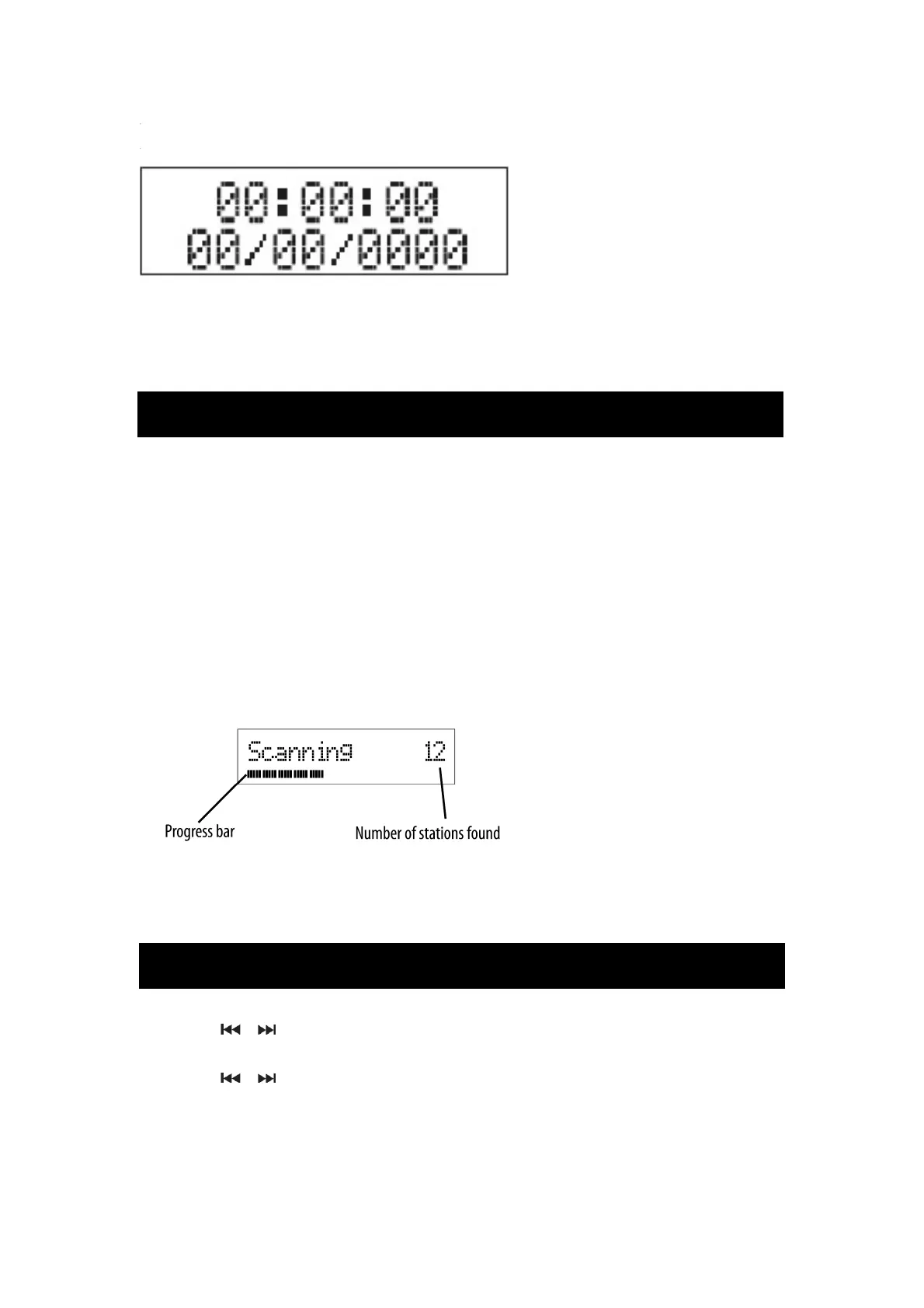
The clock on your radio is automatically set when first used from the time signal broadcast
with DAB radio stations.
If a DAB station is not available, the clock may be set manually via the MENU system.
STANDBY CONTROL
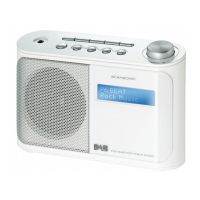
To turn the radio on:
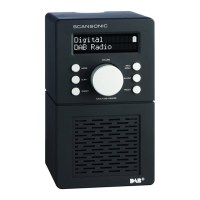
• Press the STANDBY button on the top panel.
The display will light and the radio will switch on.
To turn the radio off:
• Press the STANDBY button on the top panel briefly.
The radio will switch off. The clock will continue to run whilst mains power is connected.
INTIAL SCAN
When your radio is switched on for the first time the scanning display will be shown while the
scanning process takes place
:
The radio scans all usable stations (full scan) and stores them alphanumerically -1 Radio, 2
Radio, AA Radio, AB Radio…The initial scan will take a few minutes. After the scan, the clock
will be set and the radio will play the first station in the sequence.
To browse for another DAB station from the front panel controls:
• Press the or button.
<Station list> will be displayed.
• Press the or button to browse the station list.
• Press the SELECT button to select the station displayed.
After s short delay, the radio will tune to the station
BROWSING FOR A STATION
POWER CONTROL


 To Next Page