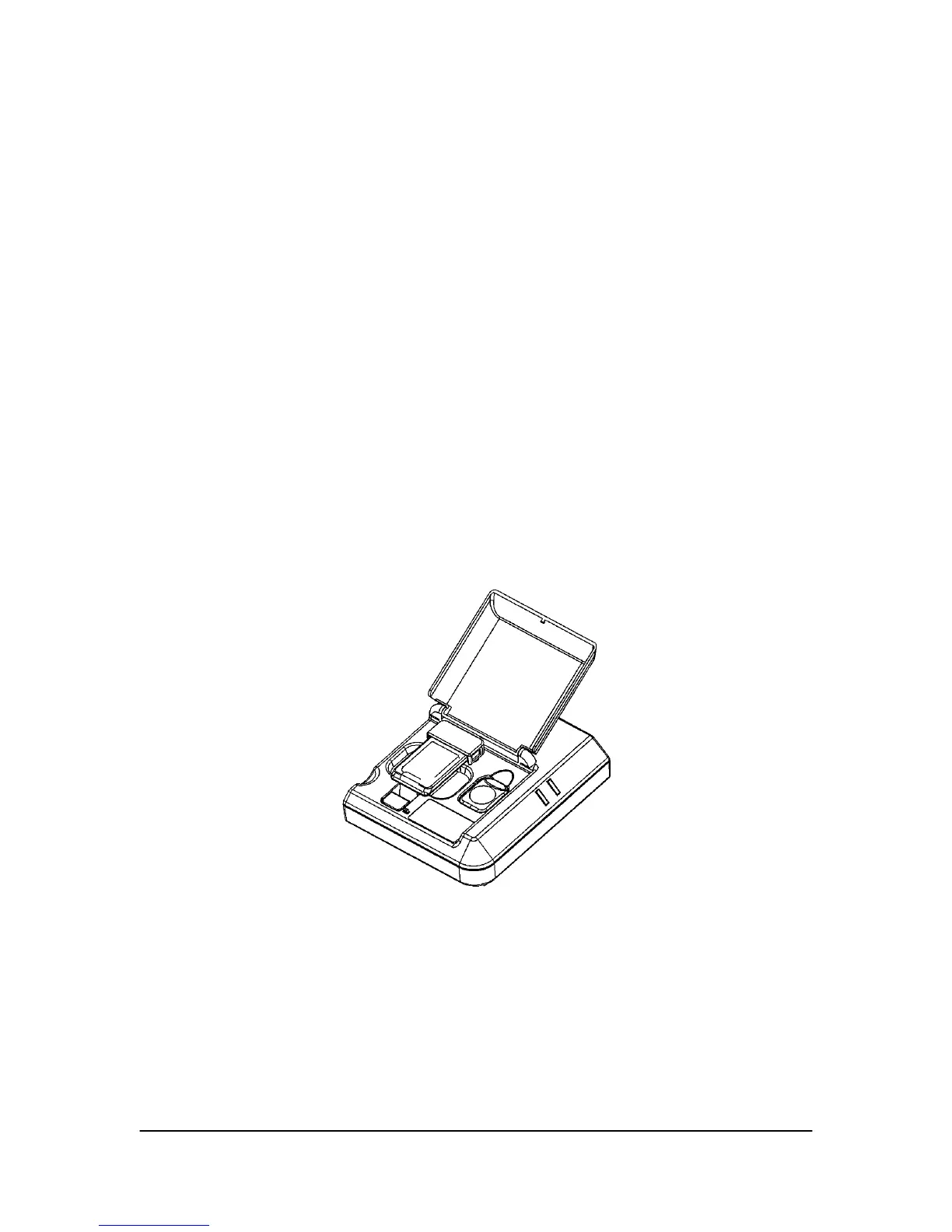
2.1.3. Base Station USB Interface
The USB Interface connects the CDR hardware to the computer via a standard USB 1.1
port. It also provides channel selection for Wireless Sensors, performs Sensor
diagnostics, and supports field upgrades of the firmware for the unit itself, the Antenna /
Receiver, and Wireless Sensors. When opened, the translucent compartment lid permits
access to the Sensor cradle (used for RF channel configuration and diagnostics) and a
storage slot for a battery pack. When closed, the compartment lid serves to protect the
Sensor and battery pack when not in use.
Dual LEDs are located on the exterior of the USB Interface and supply power and status
information about the unit and the Wireless Sensor currently in use. LED indications
have several states (On / Off / Blinking) to reflect various states of operation. For more
information about the USB Interface LEDs and their indications, refer to Error!
Reference source not found..
The USB Interface can be wall-mounted, either "docked" with the Antenna / Receiver
itself, or located some distance from the Antenna, via Category 5 cable with RJ-45
connectors.
Figure 4. USB Interface
CDR Wireless User Guide B1051301 Rev. - (DRAFT)
7



 To Next Page