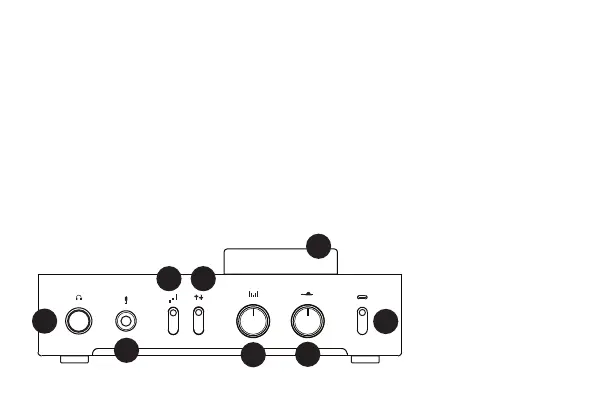
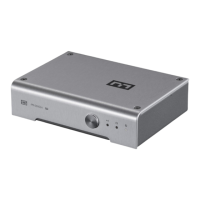
8 Gain Select. Up louder, down quieter. Top is high
gain, middle is low gain, bottom is negative gain.
9 Process Enable. Up turns on Width and
Presence, down turns them off. Like for purists.
10 Width. Turn to the right to expand your range of
hearing for gaming, turn to the left to blend it for
more natural music. Or adjust as you like.
11 Presence. Turn to the right to bring voices
closer, turn to the left to move them farther away.
Or just choose what sounds best to you.
12 Input Select. Toggle up to hear the USB input,
down to hear the optical input.
13 Volume Knob. Turn up til you smile, but not
until your ears bleed.
OPERATION
For game consoles, select “Schiit Gunnr” for the
headphone/speaker out and microphone input.
6
7
8 9
10
11
12
13
For PCs and Macs, select
“Schiit Gunnr” in Control
Panel/Sound Devices (PC) or
in System Prefs/Sound (Mac)
for both audio output and
mic input.
That’s it! Enjoy the game, a
movie, or music!


 To Next Page