I hear hum, what do I do?
You may have a ground loop. Try a ground
loop isolator or a device like the EbTech
HumX to eliminate the ground loop.
I hear small pops when I change modes.
This is normal with DC-coupled preamps like
Kara. Minor changes in DC level may make
small pops.
There’s no sound after I turn Kara on.
Kara delays the output for 40 seconds after
you rst turn the preamp on for self-checks,
during which time the Mute LED ashes.
No I mean there’s still no sound.
Do you have headphones plugged in? That
will mute the output.
What if I want headphone and preamp
output at the same time?
Press and hold the Mute/HP Override
button to enable simultaneous output. Be
careful—don’t forget you have headphones
connected when you crank it up!
FAQ
What’s with the clicking noises when I turn
the volume?
That’s the sound of the mechanical relays
in the relay-switched stepped attenuator.
Totally normal.
Does Kara convert from SE to balanced?
If you are using the Low or High gain set-
tings, yes. You can also run balanced inputs
and get SE outputs in both gain modes.
Can I use both balanced and SE outputs at
the same time?
Most of the time, yes. If you have products
that short the input when turned off, then
that can cause distortion.
I have the volume all the way down and still
hear faint music.
Yes, that is normal with a relay attenuator.
If it’s bothersome, hit the Mute button to
completely mute the preamp.
It doesn’t turn on, what do I do?
Plug it in to a different AC socket. Ensure
you are not currently in a blackout. Then
email us if it still doesn’t work.
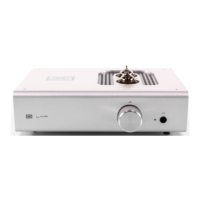
Saga/Freya
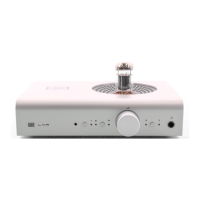
Ragnarok 2
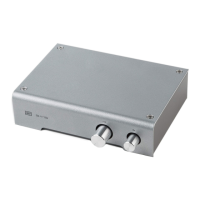
Loki
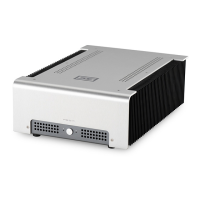
Loki Max
SCH 03-11
SCH 03-13
SCH 03-14
BYPASS
20HZ UP/DOWN
250HZ UP/DOWN
2KHZ UP/DOWN
6KHZ UP/DOWN
16KHZ UP/DOWN
BYPASS
PRESET 1
PRESET 2
PRESET 3
20HZ UP/DOWN
120HZ UP/DOWN
400HZ UP/DOWN
2KHZ UP/DOWN
6KHZ UP/DOWN
16KHZ UP/DOWN
VOLUME
INPUT
OUTPUT
MUTE
SCH 03-12
VOLUME
INPUT
OUTPUT
MUTE
GAIN
Sleipnir/Ellida
SCH 03-15
PLAY/PAUSE
SKIP FWD
FAST FWD
FAST REV
STOP/EJECT
DISPLAY OFF
SKIP BACK
DACs DACs
SCH 03-16a SCH 03-16b
INPUT
INVERT
MUTE
INPUT SEL
INVERT
MUTE
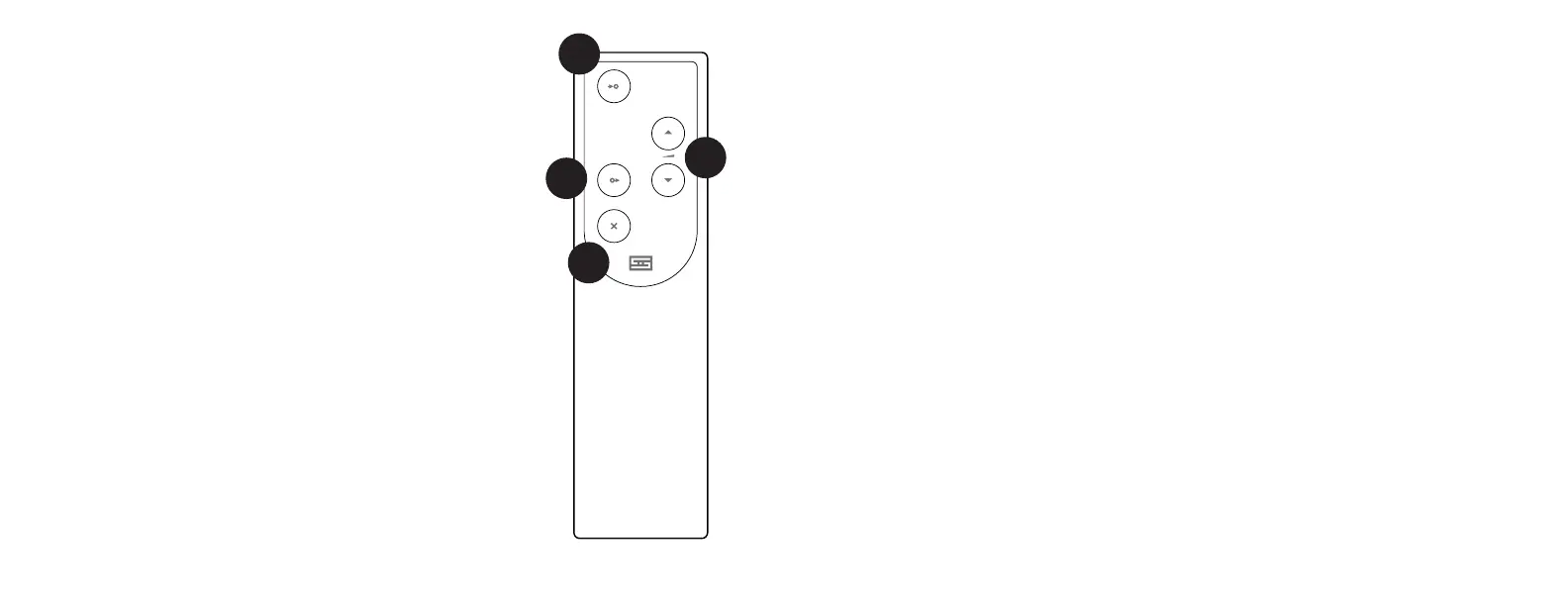
Yes, Kara comes with a remote control. Unlike earlier
Freyas, this is now a fancy milled aluminum model. It’s
still inexpensive to replace in case you lose it or want
another one, however.
1 Input. Press this button to select the input you want to
listen to. If you skip the input, keep pressing—it cycles
back around.
2 Volume Up/Down. Press the up arrow to turn volume
up, press the down arrow to turn it down. Simple as that.
3 Output. Press to change between passive, low gain,
and high gain mode.
4 Mute. Press to mute the preamp.
Changing the Battery
1. Flip the remote over to reveal a single hole on the back.
2. Push the remote open by inserting the end of an open paper clip
into the hole in the back and pushing rmly. It’s held together with
magnets.
3. Replace the battery inside with one of the same type.
4. Reassemble the remote by rst inserting the clear LED in the front,
then dropping the panel down onto the matching magnets. Press
down gently to pop the panel in place.
1
3
2
4
REMOTE


 To Next Page
 Loading...