CONTROLS
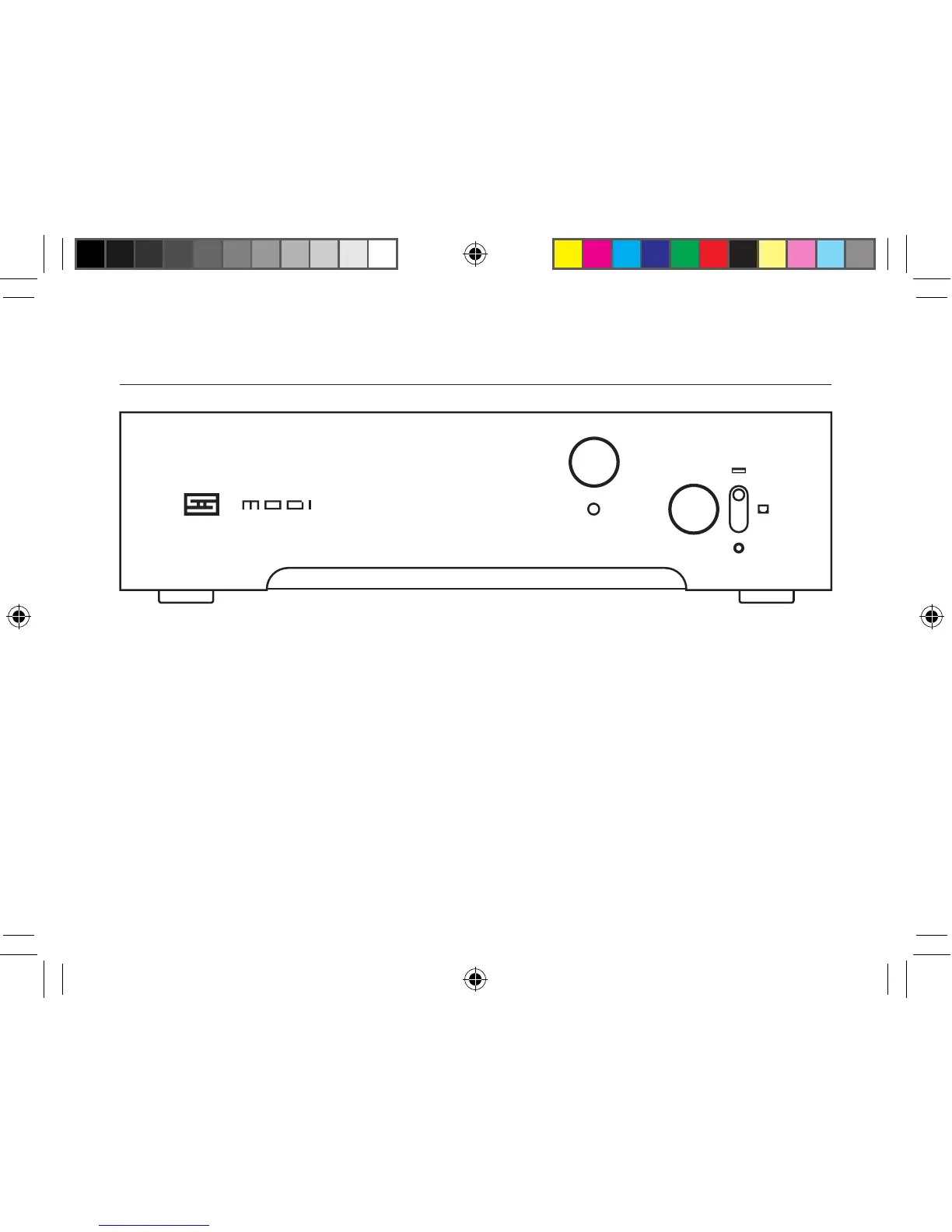
1 Power LED. This lights up when you have Modi 3
plugged into a computer, or into an external power
source. It doesn’t signal UFOs or anything.
2 Input Selector. Use the toggle switch to select
what you want to listen to.
Top: USB input
Middle: Optical (Toslink) input
Bottom: Coaxial input
Pretty straightforward, right?
1
2
TROUBLESHOOTING
“Draws too much power” error. You’ll need to use
additional power. Disconnect Modi 3 from your
source, then connect the wall-wart to the Power
Input using the USB Micro cable. The Modi 3 will
then report as a 0mA USB device. You’ll need
another cable to connect to your source.
No sound? Make sure Modi 3 is selected in Con-
trol Panel (Windows) or System Prefs (Mac) AND
in your player software. Older Windows versions
may need drivers from schiit.com/drivers
modi 3 manual 1.0.indd 3 8/2/18 12:42 PM


 To Next Page