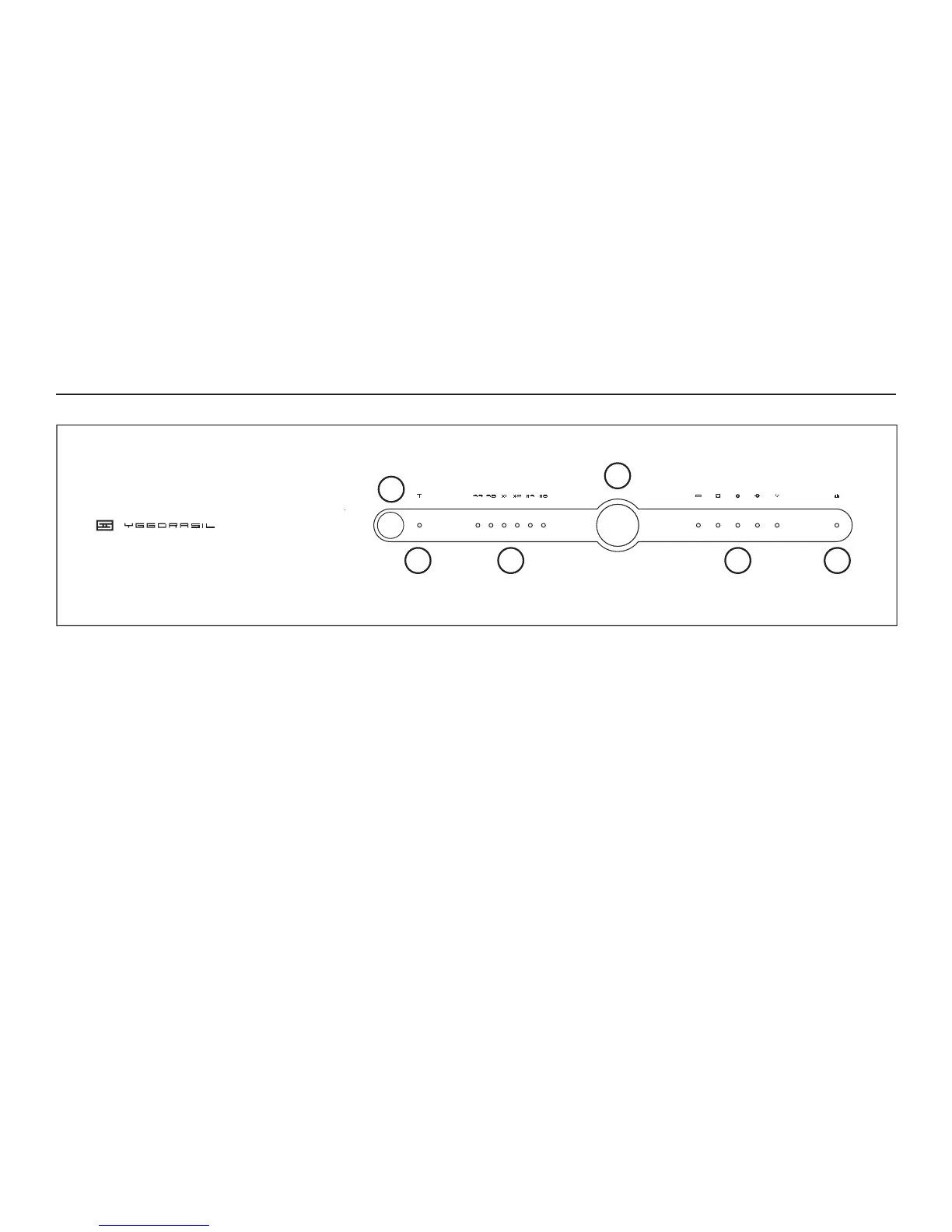
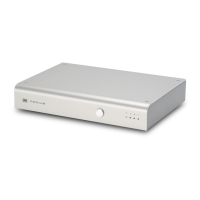
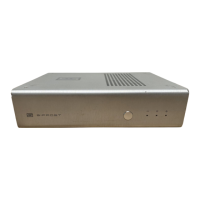
3 Sample Rate Indicators.
These indicate what format is coming in to
Yggy—44.1K or 48K, plus the multiple
(1, 2, 4, or 8X.)
4 Input Select.
Push this button to walk through the
inputs: USB, AES/EBU, BNC, Coax, Toslink.
5 Input Indicators. These show what input
you’ve selected. Hopefully it doesn’t show
more than one.
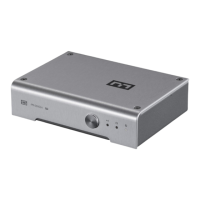
1 Phase Invert Button.
Press this button to invert the absolute
phase. This may help with some recordings
that do not maintain absolute phase.
2 Phase Invert Indicator.
When this is lit, the absolute phase is
inverted.
5 VCO/VCXO Indicator.
Also known as the “buy better gear” light.
If this is illuminated, the Yggdrasil’s input
clock regeneration (Adapticlock) is in VCO
mode. This means your source does not
provide a good center frequency, or jitter is
too high for the VCXO mode to operate.
CONTROLS
1
2 3
4
5 6



 To Next Page