HandPunch 200 Manual
53
Setting the DIP Switches
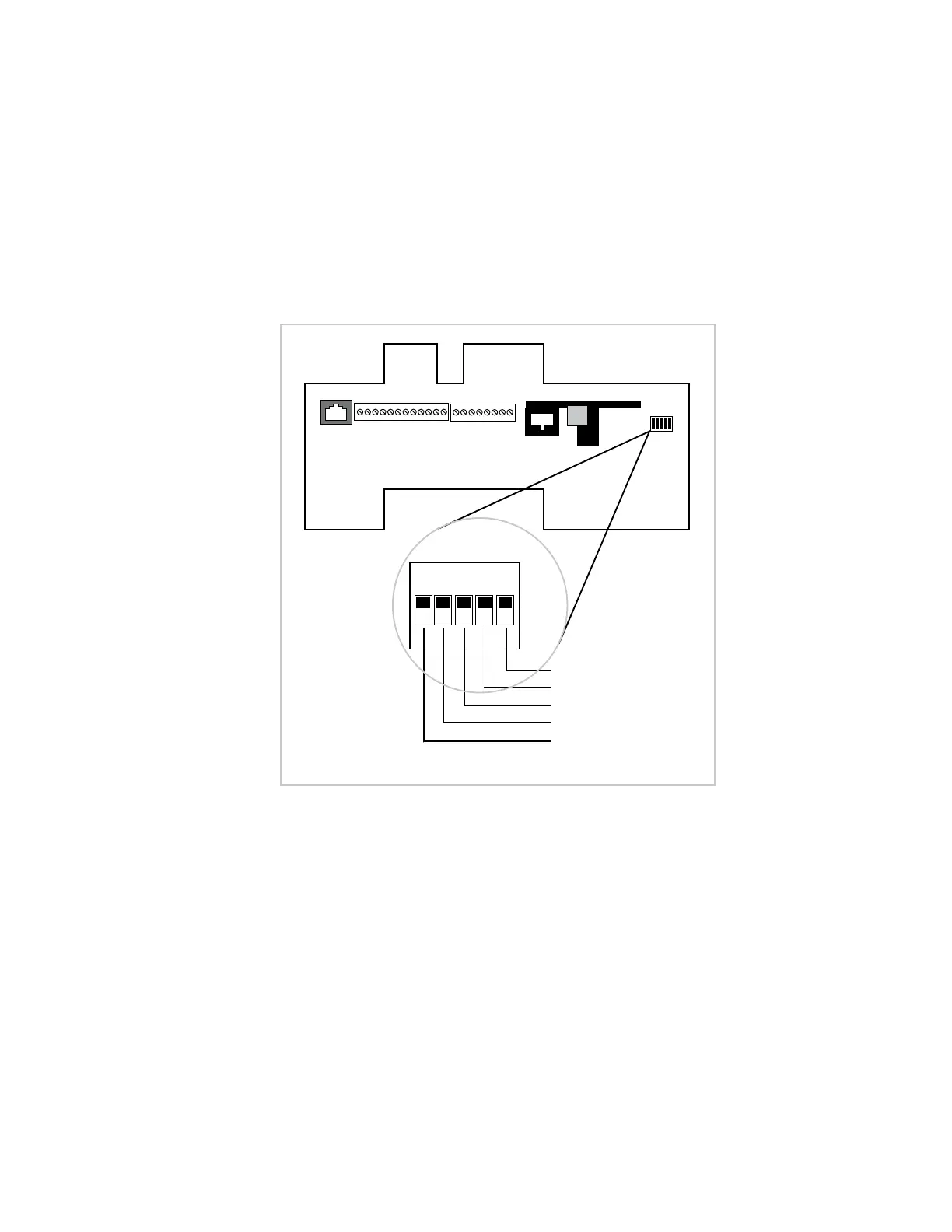
The DIP Switch settings perform three tasks for the HandPunch (see Figure 12-8).
• Set End of Line (EOL) Termination to match the type of termination needed by the
network.
• Set the Communication Method to match the type of network used.
• Erase Memory to clear HandPunch memory to all factory default values and also clear
all user memory.
ON
OFF
WALL
TOP OF HAND READER
EOL T ermination
EOL T ermination
Communication Method
E rase Hand Reader Setup
E rase Hand Reader Setup and Database
1234
5
Figure 12-8: HandPunch Dip Switches


 To Next Page