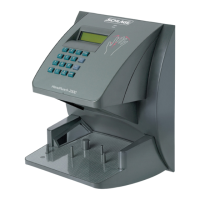
HandPunch 200 Manual
55
Perform the following steps to erase both the configuration data and the user database.
1. With system power OFF, set both switches 4 and 5 ON.
2. Turn system power ON and wait 5 seconds.
3. Turn both switches 4 and 5 OFF.
Before putting the HandPunch into service ensure DIP switches 4 and 5 are both OFF.
If switches 4 and 5 are not off, the next time the HandPunch’s power is cycled the
HandPunch’s memory will be erased.
Erasing the
HandPunch
Setup and User
Database


 To Next Page