EndoPilot
*related to the additional module “CoPilot” - 22 - 609 2201 v12 www.schlumbohm.de
5. Obturation
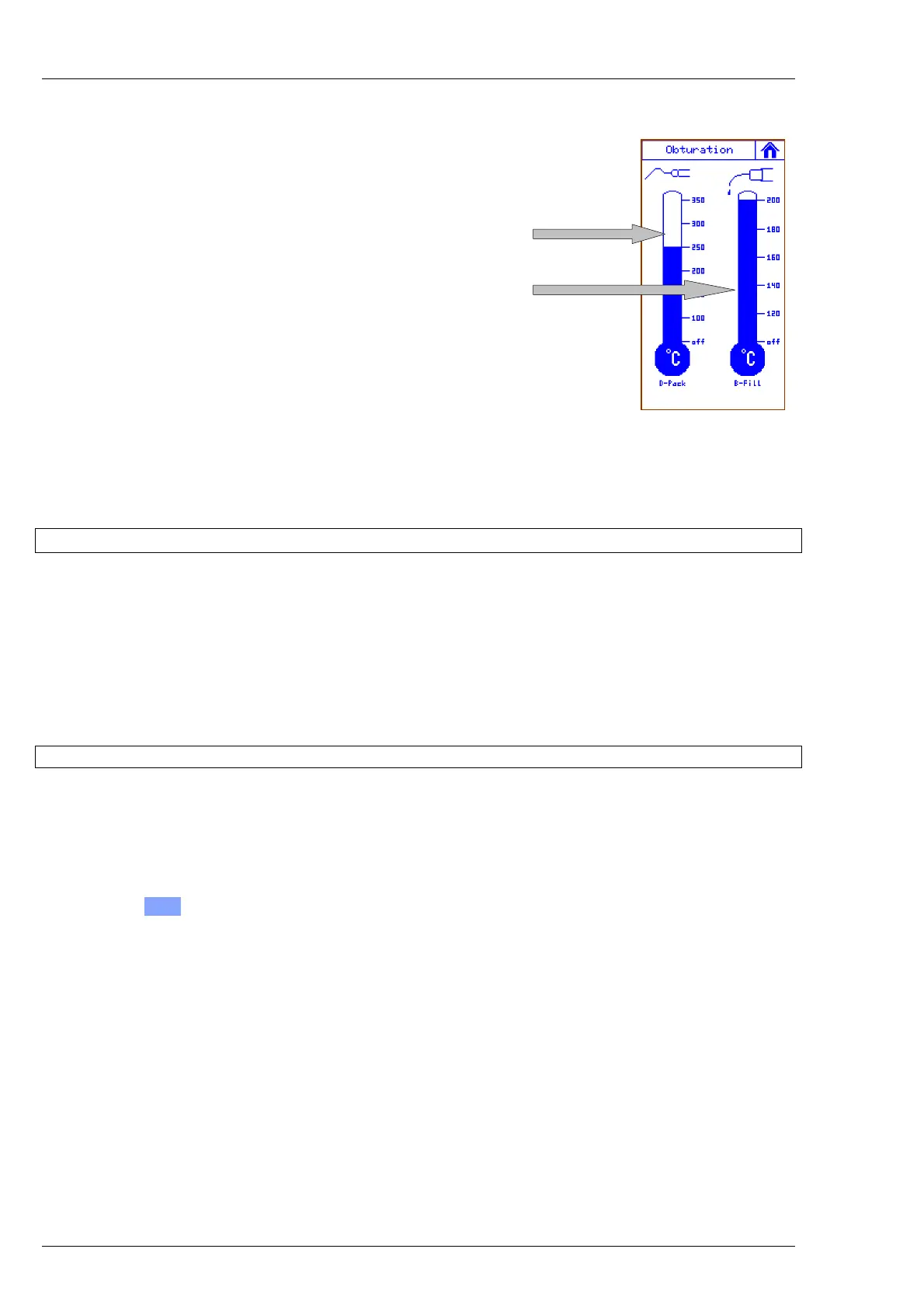
5.1 Setting DownPack Temperature
5.2 Setting BackFill Temperature
The selected temperatures
are only examples
.
5.1. DownPack
In this menu, you can select the temperature of the heating tip. The bar graph will be set to the requested temperature
(Touch-Display).
The heating process starts by the foot switch. If the requested temperature is reached, an acoustic signal will sound.
Either by releasing the foot switch or at the latest after 40 seconds, the heating process will be stopped.
During the heating process, the connected BackFill Gun is shut-off for a short time.
Please see also chapter 2.8.
5.2. BackFill
When the BackFill Gun is connected, you can select the temperature of the Gun's heating cylinder in this menu.
The bar graph will be set to the requested temperature.
The heating process is started as soon as a temperature was selected (the flashing of the display shows that the
temperature has not been reached yet).
If the temperature has been reached, an acoustic signal will sound. After about 15 minutes, the heating process will
automatically stop (acoustic signal).
By pushing the O F F -key at the lower bottom of the bar graph, the heating process can be stopped manually. Please
see also chapter 2.9.
The patient may not be connected to the Apex-cable during the obturation (D-Pack and BackFill)!



 To Next Page