9
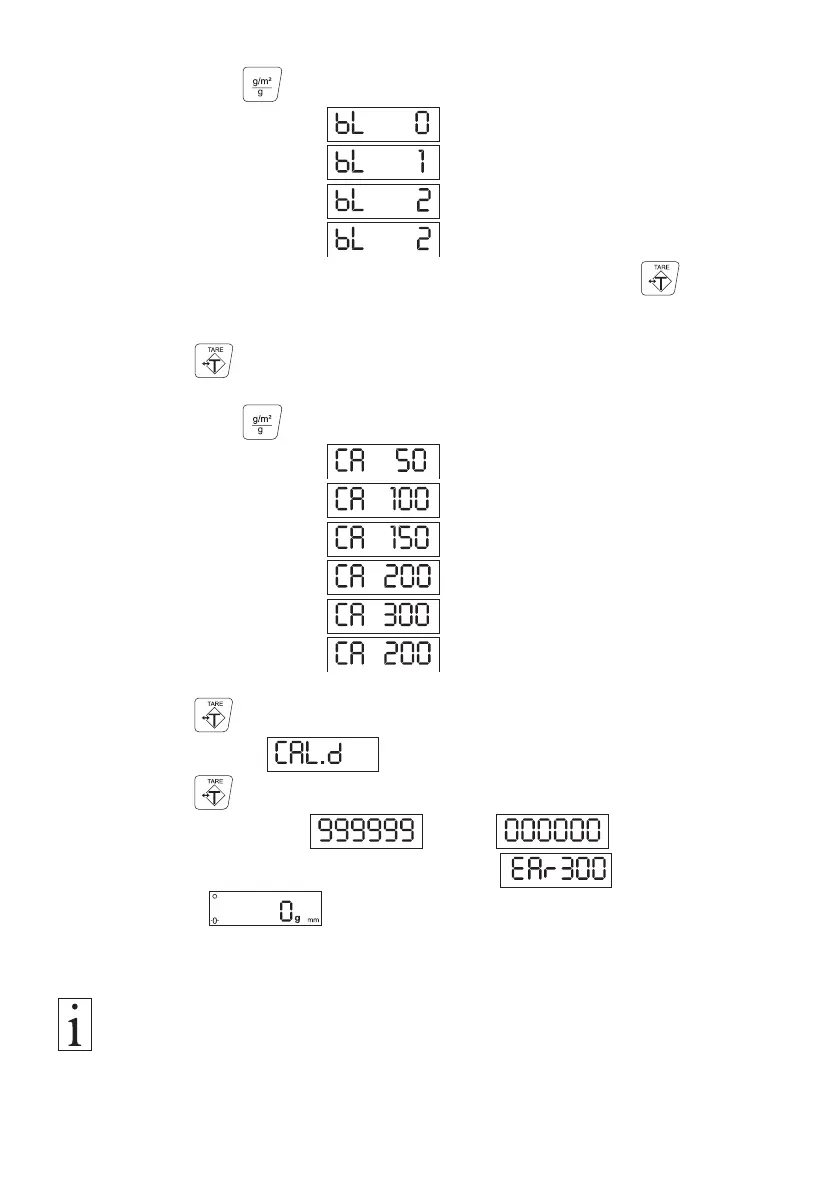
Display Backlight:
- By pressing the button, you can now choose between
No backlight
Permanent backlight
Backlight while weighing .
The default setting is backlight while weighing.
- You can now either return to the measuring mode by pressing the button
three times
or
Press the button once to set the
Calibration Weight:
- By pressing the button, you can now choose between
Calibration weight 50 g
Calibration weight 100 g
Calibration weight 150 g
Calibration weight 200 g
Calibration weight 300 g
The default setting is calibration weight 200 g
- Press the button.
The display shows .
- Press the button.
The display counts from down to .
The display then indicates the instrument model
followed by .
3.3.1 Function Settings (Cont.)
The settings you last made remain stored in the EAR memory even after the
instrument is switched off.



 To Next Page