10
3.3.2 Measuring Mode Selection
You can change the measuring mode from grams per square meter (g/m²) to grams (g).
Example:
- The instrument is set to grams/m².
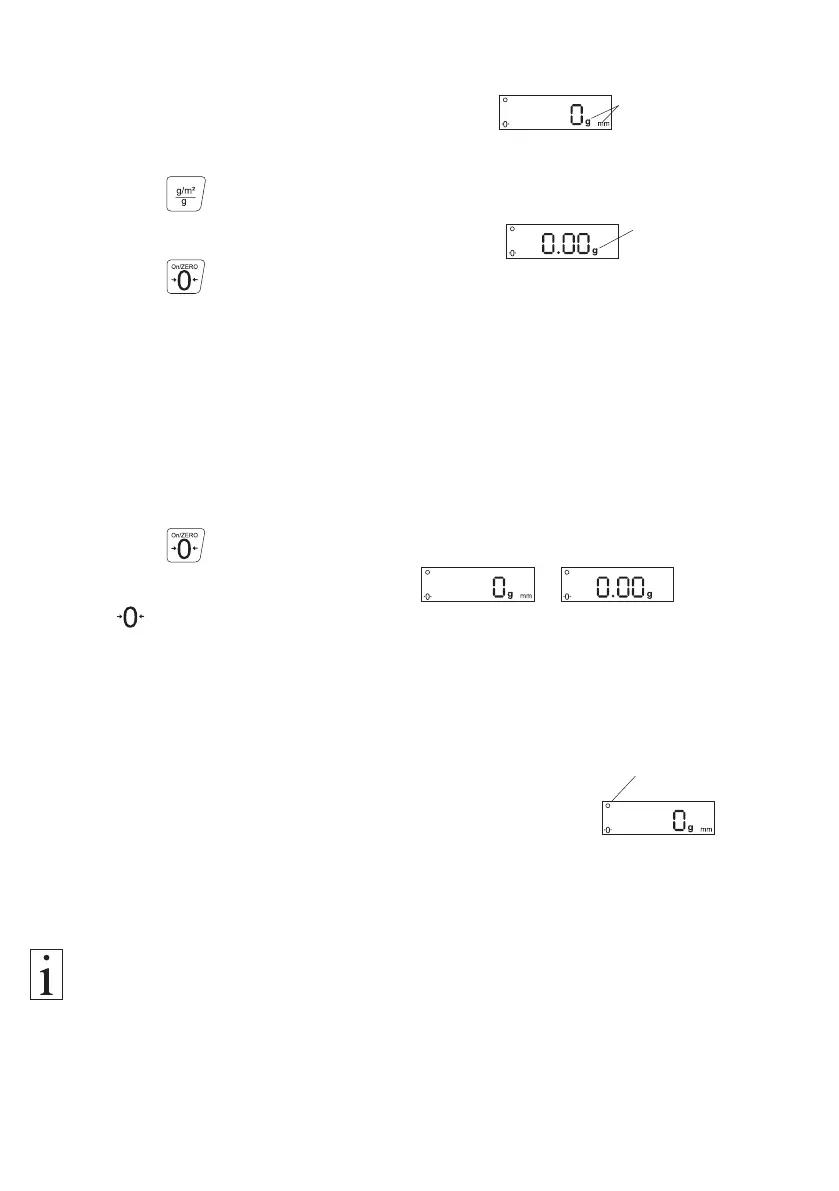
The display shows g and mm.
- Press the button.
The instrument switches from grams/m² to grams.
- Press the button.
The instrument is reset to the zero point (auto zero).
The display shows the selected measuring mode.
3.3.3 Zero Setting (ZERO)
After selecting the measuring mode, you have to set the instrument to zero.
To carry out zero setting:
- Press the button.
The display shows according to the mode or ,
the symbol appears left below in the display.
Mode g
Mode g/m²
3.4 Measuring Procedure
3.4.1 Standard Measuring Procedure
Requirements:
- Instrument switched on as described in chapter 3.2.1.
Function settings selected as required, as described in
chapters 3.3.1 and 3.3.2.
The ready symbol is displayed.
- Zero setting (auto zero) carried out as described in chapter
3.3.3.
To measure the process material:
- Place the sample to be measured on the platform.
The READY symbol must be shown on the display to ensure that the display
indicates correct readings.
- Before starting the next measurement, make sure that the ready symbol is displayed.
Ready symbol



 To Next Page