Operation
109
Calibration interval
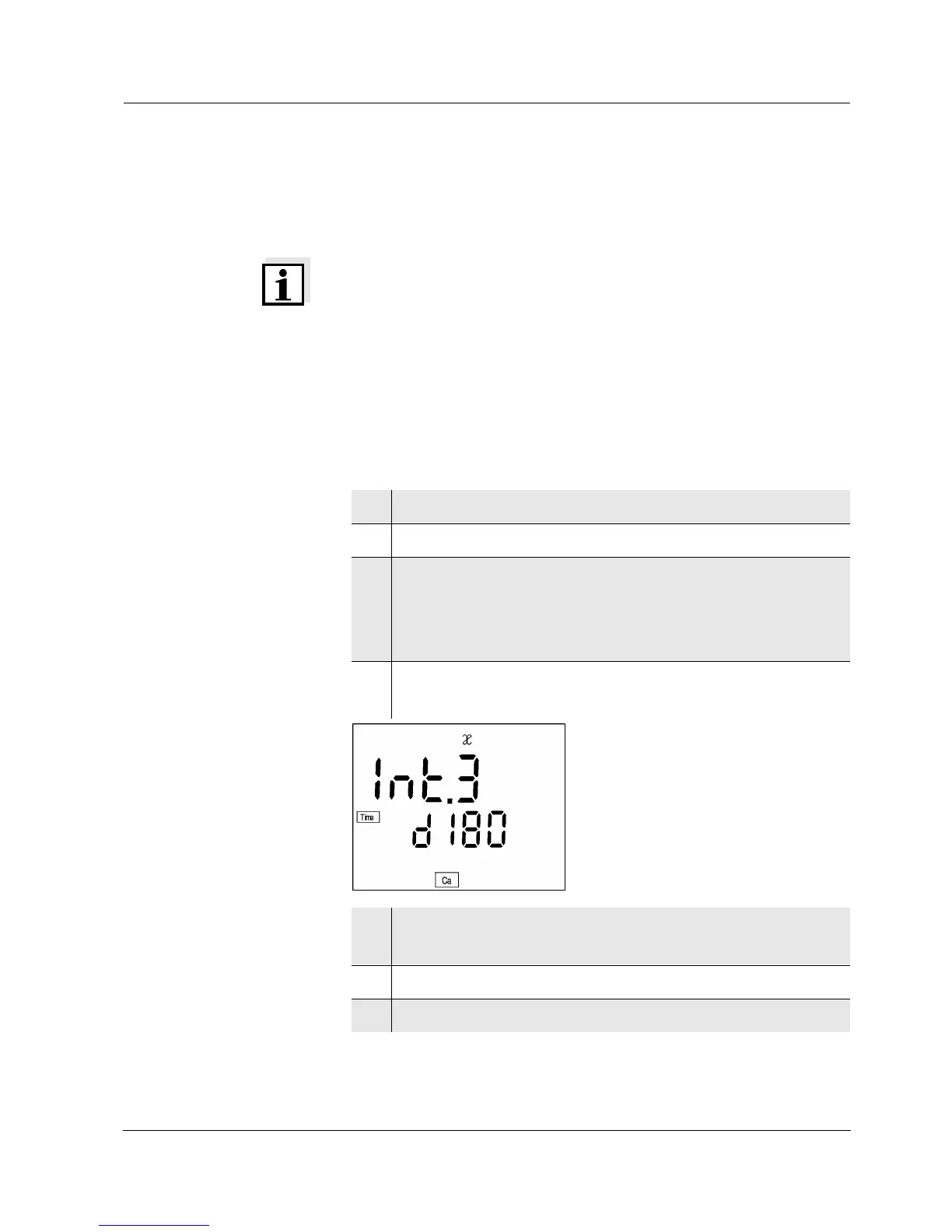
(Int 3)
The flashing sensor symbol reminds you to calibrate regu-
larly. After the selected calibration interval (Int 3) expires,
the sensor symbol flashes. Measurements can continue.
Note
To ensure the high measuring precision of the measuring
system, perform a calibration after the calibration interval
expires.
Setting the
calibration interval
The calibration interval (Int 3) is set to 180 days in the fac-
tory. The interval can be changed (1 ... 999 days):
1 Switch off the instrument.
2 Press <
ì> and hold down the key.
3 Press the <on/off> key.
The
display test
appears briefly on the display.
The instrument then switches automatically to the
configuration level.
4 Press the <run/enter> key until Int 3 appears on the
display.
5 Press <▲> <▼> to set the required time interval until
the next calibration.
6 Confirm with <run/enter>.
7 Change to the measuring mode by pressing <ì>.


 To Next Page