Operation
112
Selecting the
0.01 cm
-1
cell constant
To select the 0.01 cm
-1
cell constant proceed as follows:
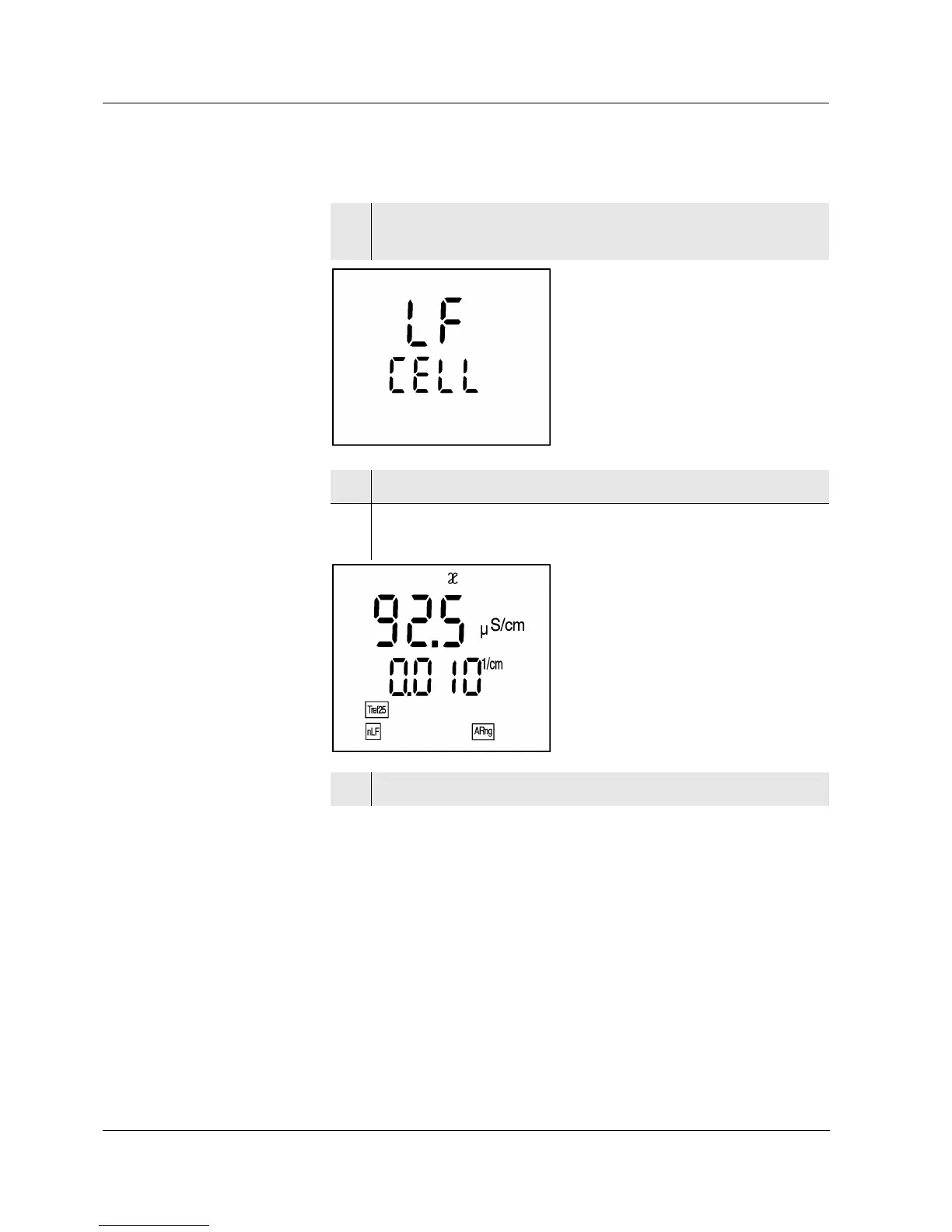
1 Press the <CAL> key repeatedly until LF CELL ap-
pears on the display.
2 Press the run/enter> key.
3 Press the <CAL> key repeatedly until the 0.010 cm
-1
cell constant appears on the display.
4 To return to the measuring mode: press the <ì> key.


 To Next Page