Operation
111
Note
The cell constant to be set up must either be taken from the
operating manual of the measuring cell or is printed on the
measuring cell.
Selecting the
0.1 cm
-1
cell constant
To select the 0.1 cm
-1
cell constant proceed as follows:
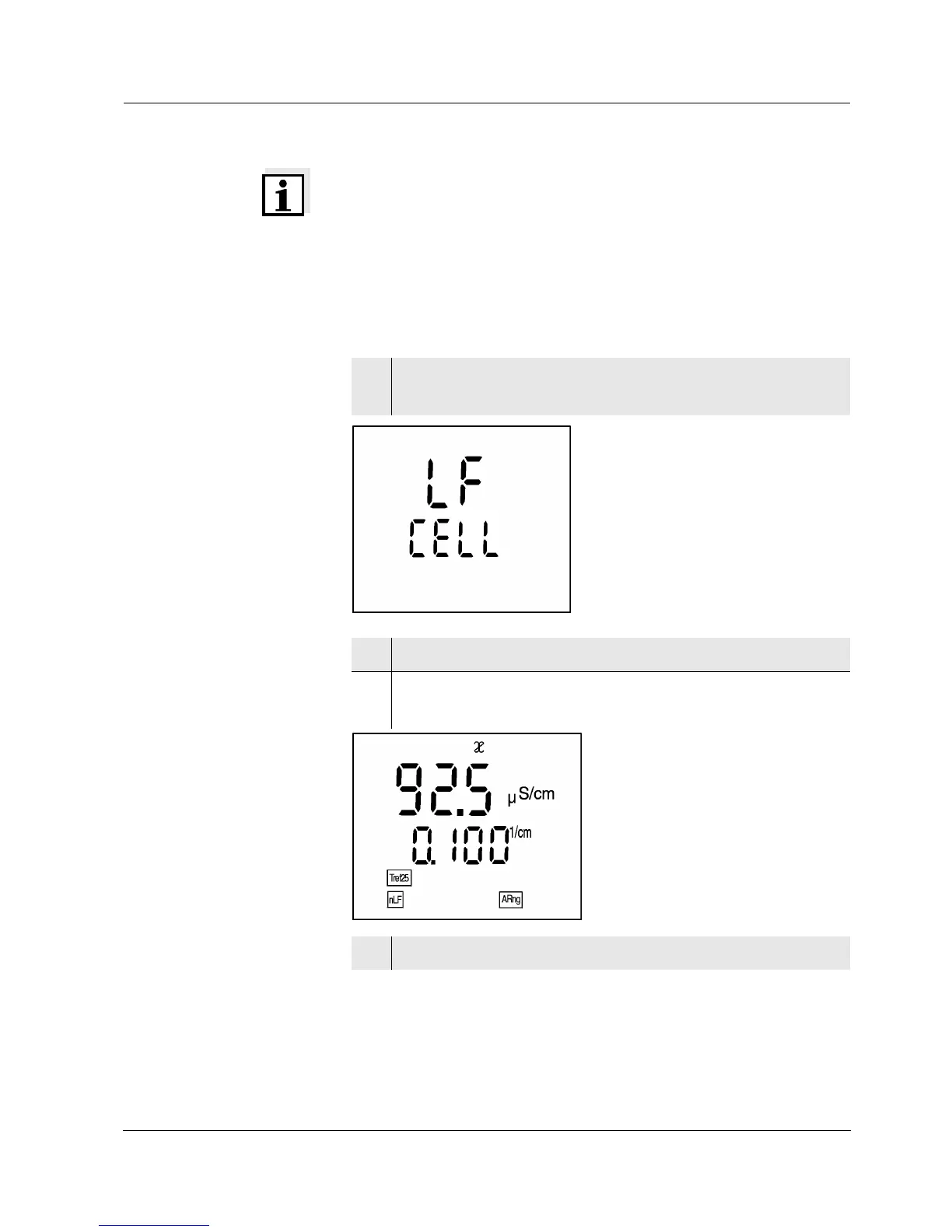
1 Press the <CAL> key repeatedly until LF CELL ap-
pears on the display.
2 Press the <run/enter> key.
3 Press the <CAL> key repeatedly until the 0.100 cm
-1
cell constant appears on the display.
4 To return to the measuring mode: press the <ì> key.


 To Next Page