SC1
33
English
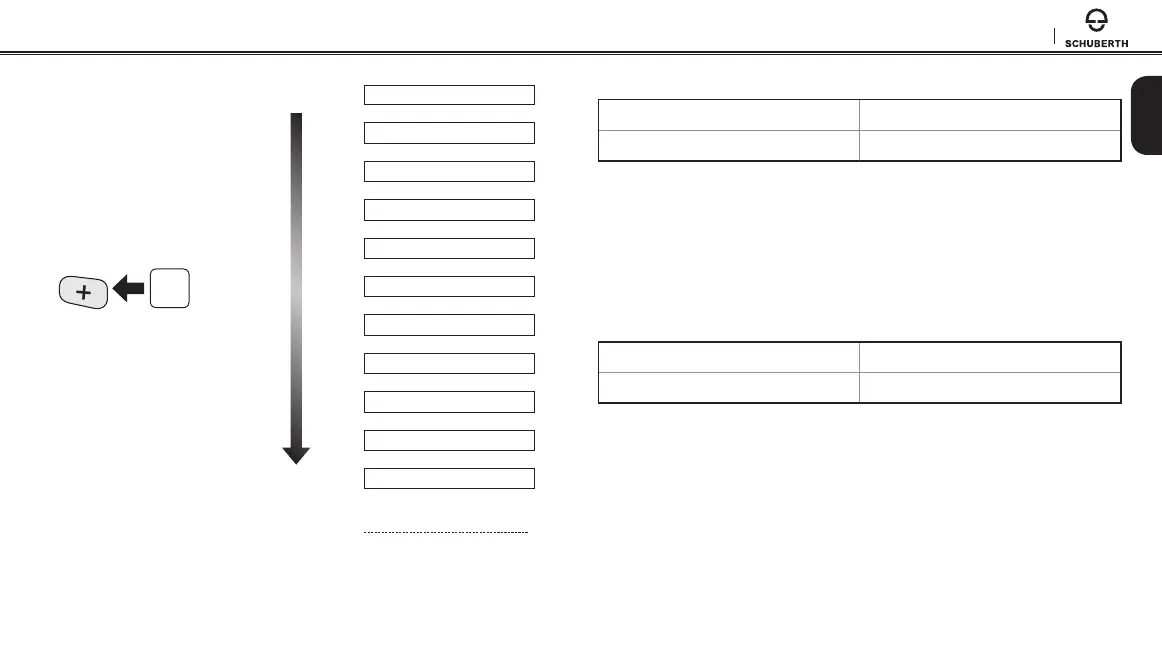
Tapping
Ta p
Intercom pairing *
Phone pairing
Second mobile phone pairing
GPS pairing
Phone selective pairing
Media selective pairing
Delete all pairings
Remote control pairing
Universal intercom pairing
Factory reset
Exit configuration
* SC1 Advanced only
14.1.1 Intercom Pairing (SC1 Advanced only)
Voice Prompt “Intercom pairing”
Factory Default N/A
To enter into intercom pairing mode, tap the (+) Button until you hear a
voice prompt, “Intercom pairing”. Then tap the (-) Button to enter
into intercom pairing mode. Once two headsets are in intercom pairing
mode, tap the (+) Button of any one of the two headsets and soon the
intercom connection will automatically be established. The headset will
exit from the conguration menu.
14.1.2 Mobile Phone Pairing
Voice Prompt “Phone pairing”
Factory Default N/A
To go into mobile phone pairing mode, tap the (+) Button until you hear
the voice prompt, “Phone pairing”. Please refer to
section 5.1, “Mobile
Phone Pairing - Mobile Phone, Bluetooth Stereo Device”
for details on
mobile phone pairing. If you tap the (+) Button, you can exit from the
phone pairing mode.


 To Next Page