EasyManua.ls Logo

Schumacher Instant Power XP2260 - User Manual

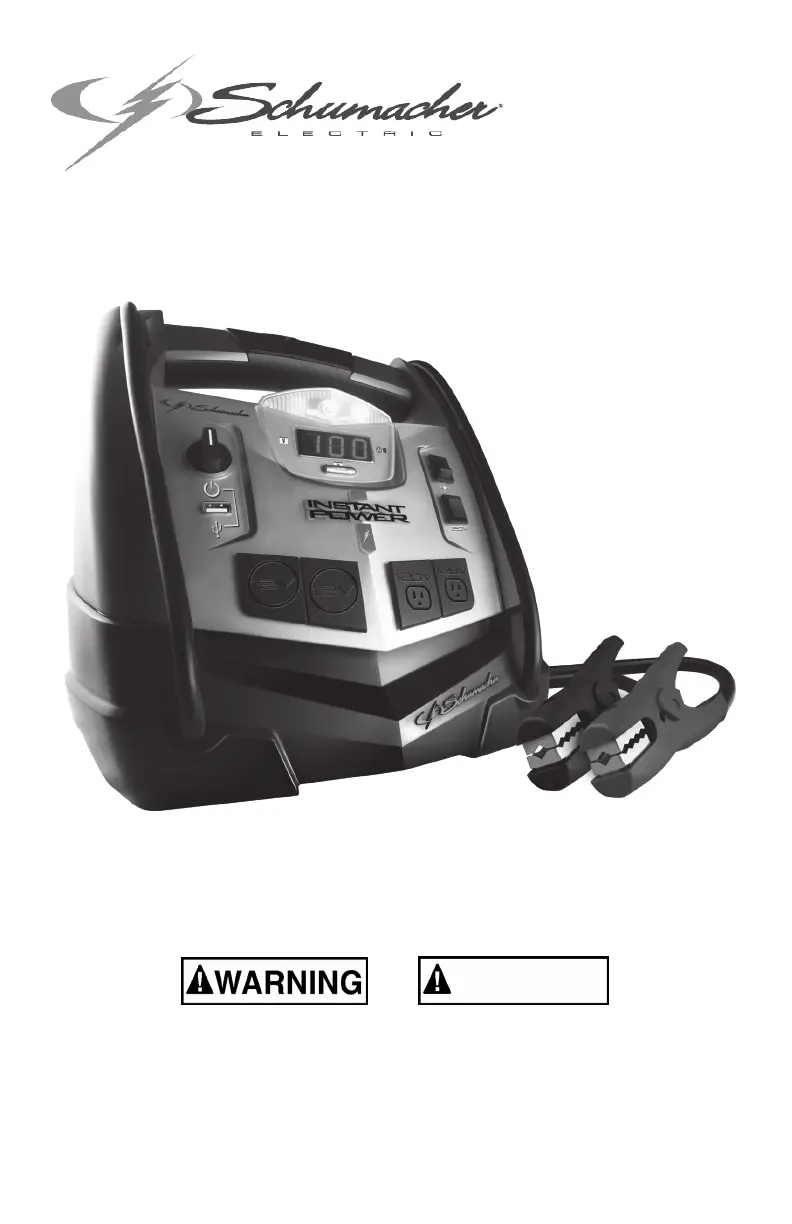
Schumacher Instant Power XP2260
30 pages
Print Icon
To Next Page IconTo Next Page
Loading...
00-99-001043/0410
Model / Modelo: XP2260
READ THE ENTIRE MANUAL BEFORE USING THIS PRODUCT. 
FAILURE TO DO SO COULD RESULT IN SERIOUS INJURY OR DEATH.
LEA EL MANUAL COMPLETO ANTES DE UTILIZAR ESTE PRODUCTO. CUALQUI-
ER FALLA PODRÍA RESULTAR EN SERIAS LESIONES O PODRÍA SER MORTAL.
OWNER’S MANUAL

MANUAL DEL USUARIO
INSTANT POWER

ADVERTENCIA

Questions and Answers

  • K
    Karen WeeksJul 26, 2025
    What to do if my Schumacher Remote Starter won't jump start my car?
    • V
      Veronica RussellJul 26, 2025
      If your Schumacher Remote Starter isn't jump-starting your car, here are a few things to check: * Ensure the Jump Start/USB Switch is turned ON. * Check the battery connections for poor contact. Clean the connection points and rock the clips back and forth to improve the connection. * Verify that the connections are not reversed. If they are, disconnect the Instant Power™ and reverse the clips. * Check the Instant Power™ battery charge status by pressing the button on the front. * The vehicle’s battery may be defective and needs to be checked.
  • J
    Jerry ArnoldAug 10, 2025
    Why won't my Schumacher Remote Starter power my 12V device?
    • J
      jonesstevenAug 10, 2025
      If your Schumacher Remote Starter isn't powering your 12V device, consider these possibilities: * Make sure the 12V device is turned on. * Check the charge status of the Instant Power™ battery by pressing the button on the front. * The 12V device might draw more than 15A or have a short circuit. Disconnect the 12V device; the internal breaker will automatically reset after a minute or two. Try the 12V device again, and if the issue persists, replace the 12V device.

Summary

Safety Messaging and Warnings

Signal Word Definitions

Explains the meaning and severity conveyed by DANGER, WARNING, CAUTION, and IMPORTANT signal words.

Important Safety Instructions

Personal Precautions

Product Features

Charging the Internal Battery

Operating Instructions

Digital Display Functions

Details how to check the Instant Power™™ internal battery status and vehicle voltage via the digital display.

Jump Starting a Vehicle Engine

Step-by-step guide on how to safely jump start a vehicle engine using the Instant Power™™.

Powering a 12 V DC Device

Instructions for using the Instant Power™™ as a power source for 12V DC accessories and devices.

Using the USB Port

Guide on how to use the USB port to charge or power USB devices.

Using the Built-In Light

Instructions on how to operate the built-in work light for illumination.

Using the Air Compressor

Steps for utilizing the built-in air compressor to inflate tires and other items.

Using the Inflator

Detailed procedure for using the inflator function for various items.

Using the Deflator

Instructions on how to use the deflator function to release air from items.

Before Using the Inverter

Essential safety precautions to follow before operating the inverter function.

Using the Inverter

Guidance on how to use the inverter to power AC devices, including wattage limits.

Powering a 120 V AC Device

Steps for connecting and operating standard 120V AC devices using the inverter.

Storage

Troubleshooting

Specifications

Replacement Parts and Accessories

Limited Warranty

Schumacher Instant Power XP2260 Specifications

General IconGeneral
BrandSchumacher
ModelInstant Power XP2260
CategoryRemote Starter
LanguageEnglish

Related product manuals