EasyManua.ls Logo

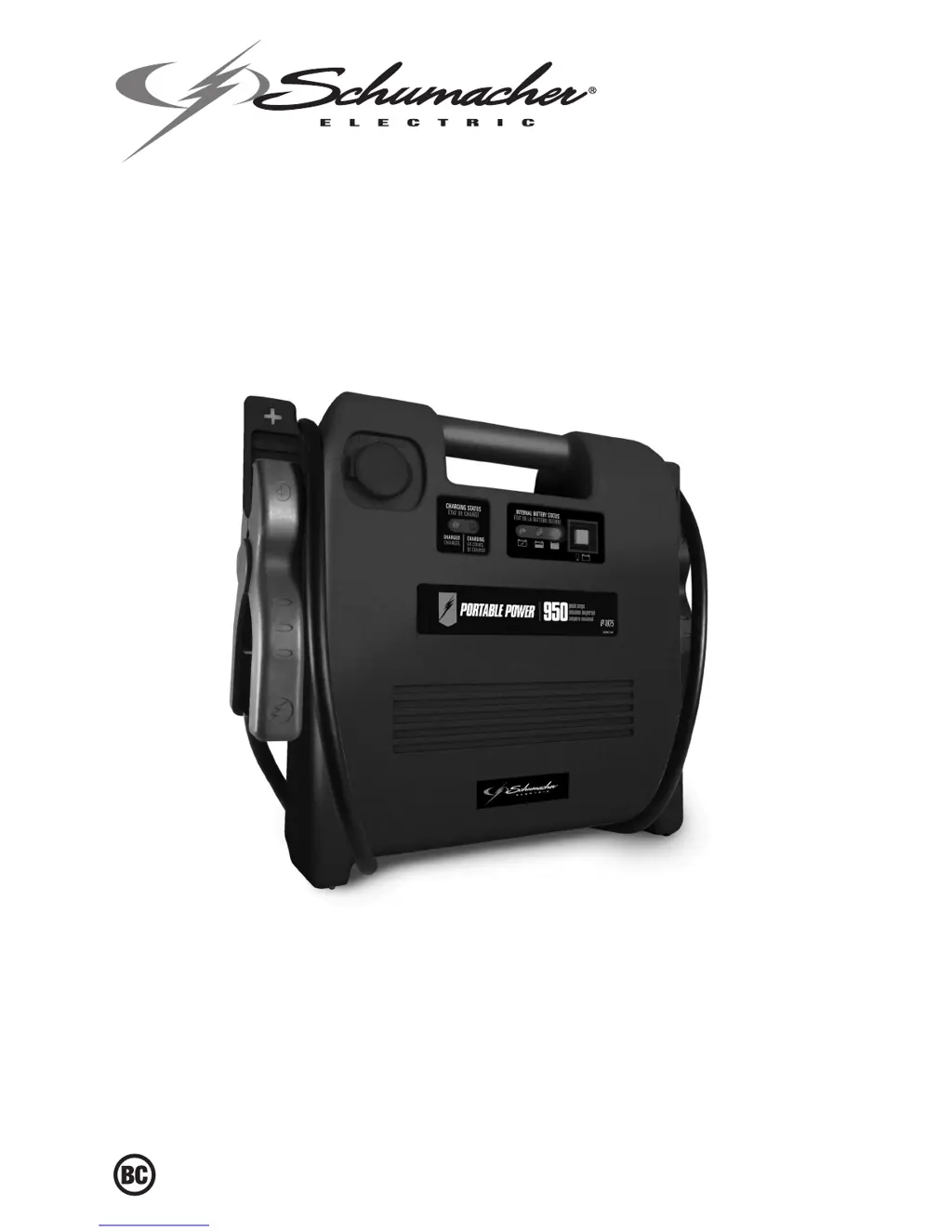
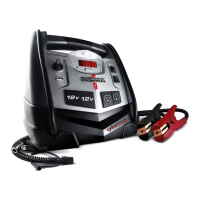
Schumacher IP-1825 - User Manual

Schumacher IP-1825
24 pages
Print Icon
To Next Page IconTo Next Page
Loading...
0099001471-02
Model / Modelo / Modèle : IP-1825
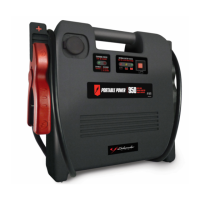
Jump Starter and DC Power Source
Arrancador y Fuente de Poder de CC
Aide de Démarrage et Source d’Énergie CC
PLEASE SAVE THIS OWNER’S MANUAL AND READ BEFORE EACH USE.
This manual will explain how to use the Portable Power safely and effectively.
Please read and follow these instructions and precautions carefully.
POR FAVOR GUARDE ESTE MANUAL DEL PROPIETARIO Y LEER ANTES DE
CADA USO. En este manual se explica cómo utilizar la unidad segura y efectiva.
Por favor, lea y siga las siguientes instrucciones y precauciones.
ESSAYER DE GARDER LE MANUEL D’INSTRUCTIONS ET LE LIRE AVANT
CHAQUE UTILISATION. Ce manuel explique comment utiliser l’unité d’une façon
sûre et efcace. S’il vous plaît lisez et suivez ces instructions et précautions.
OWNER’S MANUAL
MANUAL DEL USUARIO
GUIDE D’UTILISATION

Questions and Answers

  • E
    Elizabeth HansenAug 1, 2025
    What to do if my Schumacher IP-1825 won't jump start my car?
    • J
      Jennifer GreeneAug 1, 2025
      If your Schumacher Remote Starter isn't jump-starting your car, there could be a few reasons. First, check if the connections are reversed and, if so, disconnect the Portable Power and reverse the clamps. Another potential cause is that the Portable Power’s battery is not charged. Press the Battery Status button on the front of the unit; the LEDs will indicate the charge status. Finally, the vehicle’s battery might be defective, so have it checked by a professional.
  • A
    Angela ParkAug 11, 2025
    How to fix a Schumacher IP-1825 Remote Starter whose battery won't hold a charge?
    • W
      William McneilAug 11, 2025
      If the battery in your Schumacher Remote Starter won’t hold a charge, the battery is likely bad and won't accept a charge. The solution is to replace the battery.
  • D
    David SalasAug 22, 2025
    Why won't my Schumacher IP-1825 power my 12V device?
    • D
      danielfisherAug 22, 2025
      Several factors can prevent your Schumacher Remote Starter from powering a 12V device. Ensure the 12V device is turned on. Also, check the Portable Power’s battery charge status by pressing the Battery Status button. Lastly, if the 12V device draws more than 15A or has a short circuit, disconnect the 12V device. The internal breaker will automatically reset after a minute or two, after which you can try the 12V device again.

Summary

Important Safety Instructions

Battery Explosion Hazards

Critical safety information about the dangers of explosive gases from lead-acid batteries and precautions.

Personal Precautions

Spark Prevention and Metal Items

Precautions to avoid sparks near batteries, including not smoking and removing metal items.

Battery Acid Exposure and Response

Safety measures for battery acid, including PPE, first aid, and avoiding tool contact.

Preparing to Use the Portable Power

Portable Power Location

Charging the Internal Battery

Operating Instructions

Jump Starting a Vehicle Engine

Step-by-step guide on how to safely jump start a vehicle engine using the unit.

Powering a 12 V DC Device

Instructions on using the unit as a power source for 12V DC accessories.

Troubleshooting Common Issues

Jump Start Failures

Diagnosing and resolving issues when the unit fails to jump start a car.

12 V Device Power Issues

Troubleshooting problems when the unit does not power a 12V device.

Battery Charge Retention Problems

Resolving issues related to the internal battery not holding a charge.

Schumacher IP-1825 Specifications

General IconGeneral
BrandSchumacher
ModelIP-1825
CategoryRemote Starter
LanguageEnglish

Related product manuals