• 7 •
9. ASSEMBLY INSTRUCTIONS
9.1 Remove all cord wraps and uncoil the cables prior to using the battery charger.
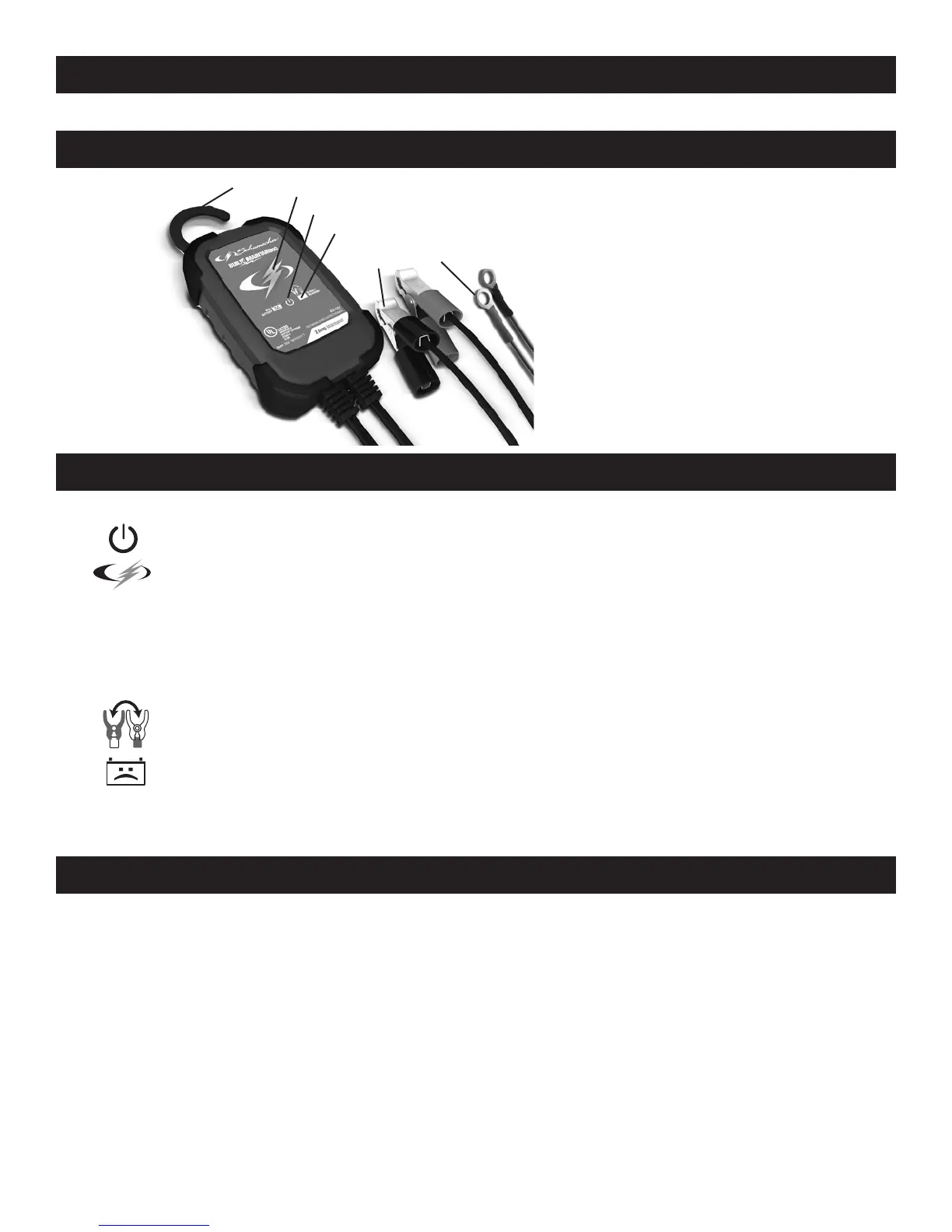
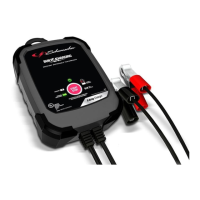
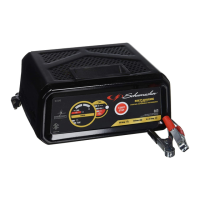
10. FEATURES
1. Hook attachment
2. Battery status LED
3. Power LED
4. Clamps Reversed LED
5. Battery clamps
(quick-connect)
6. Ring connectors
(quick-connect)
2
3
4
5 6
1
11. CONTROL PANEL
LED INDICATORS
POWER (green) LED lit: The charger is connected to AC power.
CHARGING INDICATOR:
Yellow/orange LED lit: The charger is charging the battery.
Yellow/orange LED ashing: The charger is in abort mode.
Green LED pulsing: The battery is fully charged and the charger is in
maintain mode.
CLAMPS REVERSED (red) LED ashing: The connections are reversed.
BAD BATTERY (red) LED lit: The charger has detected a problem
with the battery. See Troubleshooting for more information.
NOTE: See Operating Instructions for a complete description of the charger modes.
12. OPERATING INSTRUCTIONS
IMPORTANT: Do not start the vehicle with the charger connected to the AC outlet,
or it may damage the charger and your vehicle.
NOTE: This charger is equipped with an auto-start feature. Current is supplied
to the battery clamps before a battery is connected, and the clamps may spark if
touched together.
CHARGING A BATTERY IN THE VEHICLE
1. Turn off all the vehicle’s accessories.
2. Keep the hood open.
3. Clean the battery terminals.


 To Next Page