39
USER GUIDE
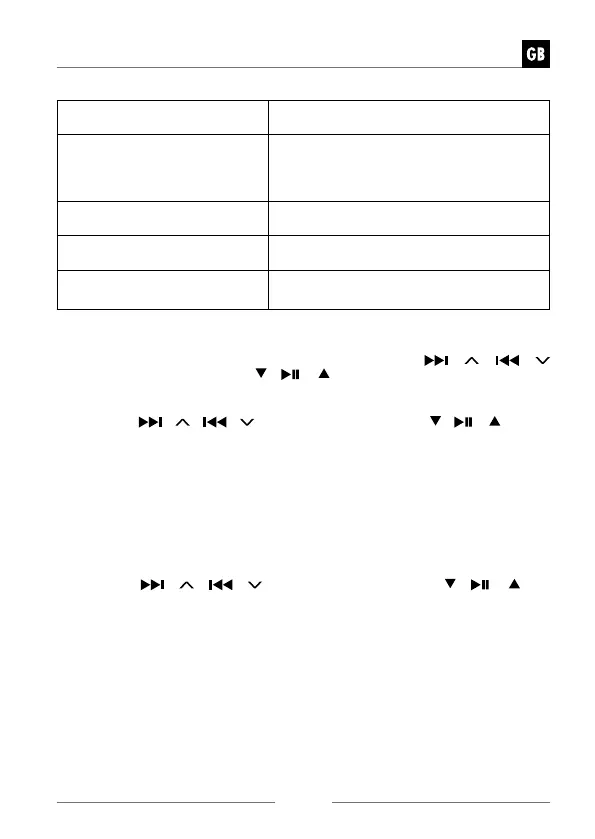
Date/Time 12/24 hour
format
Set 12 hours or 24 hours display
Auto Update Choose how you want the time to
be automatically updated.
Update from DAB/ Update from
FM/ Update from Network/ No update
Set timezone Select a time zone. (Only available when
Auto update from Network is on.)
Daylight savings Select daylight savings. (Only available
when Auto update from Network is on.)
Network settings Choose whether keep network connected.
Yes/ No
3. The display will show “Network wizard scanning….”. Your radio will now scan
for your wireless network, this may take a few seconds then a list of all the
wireless networks will appear on the screen. Press the
/ /
/
buttons on the unit or press
/ /
buttons on remote control to select
your wireless network, then press VOLUME/ SELECT/SNOOZE dial on unit
or SELECT button on remote control to confirm.
4. Press the
/ /
/
buttons on the unit or press / /
buttons
on remote control to select Push Button/Pin/Skip WPS, then press VOLUME/
SELECT/SNOOZE dial on unit or SELECT button on remote control to con-
firm.
Connecting using the WPS button on your router
Connecting using the WPS (Wi-Fi Protected Setup) button on your router is a
quick and easy way to connect your radio without having to type in a pass-
word.
If your router has a WPS button you will notice [WPS] at the front of your net-
work name.
5. Press the
/ /
/
buttons on the unit or press / /
but-
tons on remote control to select Push Button, then press VOLUME/SELECT/
SNOOZE dial on unit or SELECT button on remote control to confirm.
6. You will now see a message on the screen telling you to press the WPS button
on your router. Press the WPS button on your router. Check your routers inst-
ruction manual if you are unsure which button is the WPS button.
7. Press the VOLUME/SELECT/SNOOZE dial on unit or SELECT button on re-
mote control to confirm. Your radio will now connect to your router, this may
take a few seconds.


 To Next Page