52
USER GUIDE
Saving and Recalling Preset Station
Refer to „Preset Stations“ and „Recalling a Stored Station“ under Internet Radio
section for instruction.
BLUETOOTH
®
OPERATION
The unit has a Bluetooth
®
function that can receive a signal within 8 metres. Pair
the unit with a Bluetooth
®
device to listen to music:
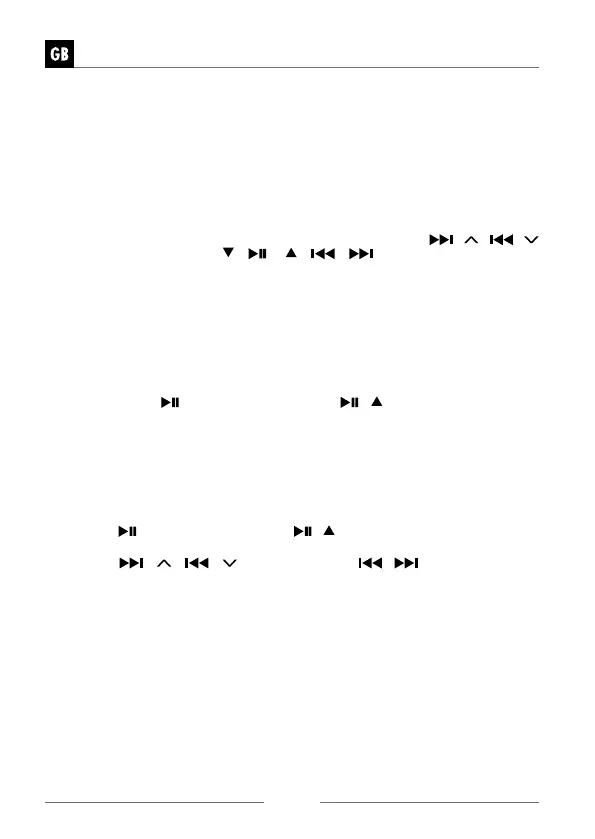
1. Press MODE button on unit or remote control, then press the
/ /
/
buttons on unit or press
/ / / /
buttons on remote control
to select „Bluetooth
®
Audio“ mode. Press the VOLUME/SELECT/SNOOZE
dial on unit or SELECT button on remote control to confirm. The Bluetooth
®
logo will start to flash to show the unit in pairing mode.
2. Activate your Bluetooth
®
device and select the search mode.
3. “DAB 650” will appear on your Bluetooth
®
device list.
4. Select “DAB 650” and enter “0000” for the password if necessary. Once con-
nected the Bluetooth
®
logo on the screen will stop flashing. Your device is now
paired with the unit.
5. Press and hold
/SCAN button on unit or
/
button on remote control
can disconnect existing Bluetooth
®
connection, with other Bluetooth
®
devices
able to locate and make connection with the unit.
6. To disconnect the Bluetooth
®
function, switch to another function on the unit
or disable the function from your Bluetooth
®
device.
Playing Music via Bluetooth
®
You may need to adjust the volume on your radio and Bluetooth
®
device.
• Press the
/SCAN button on unit or
/
button on remote control to play/
pause music or
• Press the
/ /
/
buttons on unit or
/
buttons on remote
control to skip to the previous/next track.
» The operational range between the unit and the device is approximately
8 metres.
» For better signal reception, remove any obstacles between the unit and
the Bluetooth
®
device.
» Compatibility with all devices and media types is not guaranteed.
» Some mobile phones with the Bluetooth
®
function may connect and dis-
connect as you make and end calls. This is not an indication of a problem
wit
h your unit.


 To Next Page