50
USER GUIDE
Station Order
You may wish to arrange the station listing order.
1. During DAB mode on the radio, press the MENU button and then press the
/
/
buttons to select Station order, press SELECT button to confirm.
2. Press the
/ /
buttons to select Alphanumeric/Ensemble and press
the SELECT button to confirm the setting.
Saving and Recalling Preset Station
Refer to „Preset Stations“ and „Recalling a Stored Station“ under Internet Radio
section for instruction.
FM OPERATION
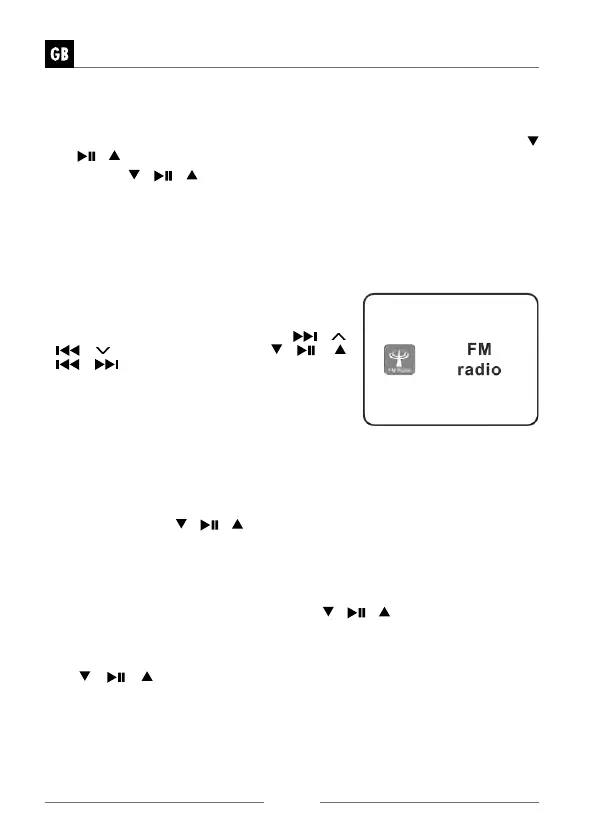
To switch the unit to FM mode, Press MODE but-
ton on unit or remote control, press the
/
/
/
buttons on unit or press
/ /
/
/
buttons on remote control to select
„FM radio“ mode. Press the VOLUME/SELECT/
SNOOZE dial on unit or SELECT button on remo-
te control to confirm.
The display will show the frequency.
Auto Scan
• Press the SCAN button on the radio to start searching for a station. Once a
station has been found, the scanning will stop automatically.
Alternatively,
• Press and hold the
/ /
buttons to start searching for a station.
» The search may not stop at a station with a very weak signal
Manual Tuning
To search for FM stations manually, press the / /
buttons repeatedly until
your desired frequency is reached.
» With FM radio, it may be necessary to fine tune each station by pressing
/ /
buttons repeatedly. Each press will adjust the frequency by
0.05 MHz. If reception is still poor, adjust the position of the aerial or try
moving the radio to another location.


 To Next Page