81
Operation
SP 500 / 750-15 / 750-18 / 1000 / 1250 Operation Manual
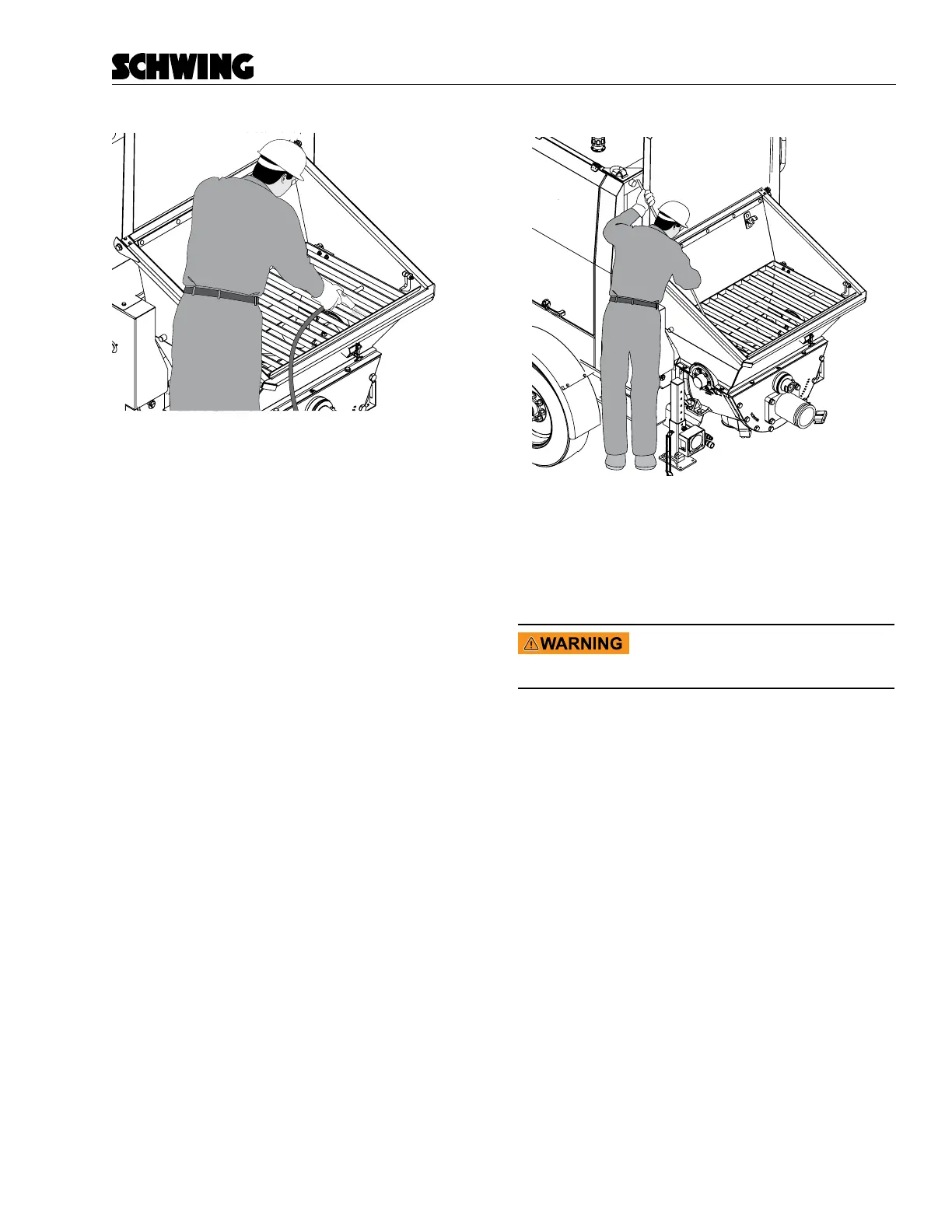
Figure 23
Clean Agitator and Hopper
• Keep the agitator turning until you have sprayed
the blades clean (Figure 23). Wash the material
from the hopper out of the cleanout door on the
bottom.
• Stop the agitator from turning with the agitator
switch on the control panel. Do not proceed to the
next step until this is done. Visually conrm that
the agitator has stopped by looking into the hop-
per.
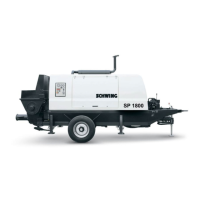
• Poke any material that has set in the corners of
your hopper with a piece of rebar or another sti,
long bar (Figure 24). Do not remove the hopper
grate for this cleanout procedure. This procedure
must be done with the hopper grate in place. Do
not spend too much time on this procedure, or
the concrete will have time to set up in the Rock
Valve and material cylinders.
SWG98n188.eps
Figure 24
Remove Hardened Concrete From Hopper
If concrete in the hopper has completely set, you will
need to use a chipping hammer or another power tool to
clean it. The grate is removable for this purpose.
Amputation/crushing hazard. Never
work inside the hopper without dis-
abling the hydraulic system.
For safety reasons, return to your shop before you re-
move any concrete that has completely set. Once the
concrete has set, there is no advantage to chipping it
away at the job site.



 To Next Page