Calorie Goal
The CalorieGoal program lets you set the amount of calories that you want to burn during the workout. Youcan push the QUICK
STARTkey to usethe default calorie setting (500Kcal), and start the workout. Oryou can push ENTER/RESETto start program
setup. Usethe • and • keysto adjust the CALvalue, andthen push the QUICKSTARTkey to start the workout. The CALORIES
display starts to count down from the set CALvalue to zero.
5K/1OK Programs
The5Kand 10Kprograms let you set a Distance goal for your workout. After you go into the program setup for the program selection:
1. To use the default distance value for your selection (5K or 10K, as applicable), push the QUICK START
key. To adjust the Mile/KM value, use the • and • keys.
2. Push the QUICK START key to start the workout, or push the ENTER/RESET key to continue program
setup.
3. Adjust the value for MAX Incline, and push the QUICK START key.
4. The DISTANCE display starts to count down from the set value for Mile/KM to zero.
Custom User Program
A CustomUser program lets you create aworkout with custom values for TIME, SPEEDor INCLINEin all 12columns. TheConsole
savesthese program values in the Memory after setup.
Inthe ProgramSelection menu usethe • and • keys to movethrough the menuto find the CUSTOMUSERoptions (CUSTOM
USER1, etc.)
Note: Different machine models can have a different number of CustomUser programs available.
PushENTER/RESETto make your selection of a CustomUser program.
1. Push ENTER/RESET to start the TIME setup. Use the • and • keys to change the value. Push the
ENTER/RESET key to record your value.
2. The first column will flash. This is the active column that you can adjust. Use the • and • keys to change
the MAX speed or incline, and push the ENTER/RESET key to record your value.
3. The next column will flash. Repeat this action across all the other columns.
4. When you push ENTER/RESET on the farthest right column, the Custom User program is complete.
5. Push the QUICK START key to start the program.
After setup,the CustomUser program is availablefor use from the Program Selection menu. Youcan edit your CustomUser
program profile.
Heart Rate Control (HRC) Programs
Heart RateControl (HRC)programs let you set a heart rate goalfor your workout. The program monitors your heart rate in beats per
minute (BPM) from the Contact Heart Rate(CHR)sensors onthe machine or from a Heart Rate Monitor (HRM) chest strap.
Note: The console must be able to readthe heart rate information from the CHRsensors or HRMfor the HRC
programto work correctly.
A Target Heart Rateprogram usesthe value for BPM that you specify in the program setup. Other HRCprograms use Heart Rate
Zonesthat are a percentage of the maximumheart rate calculated from your age and other user setup information.
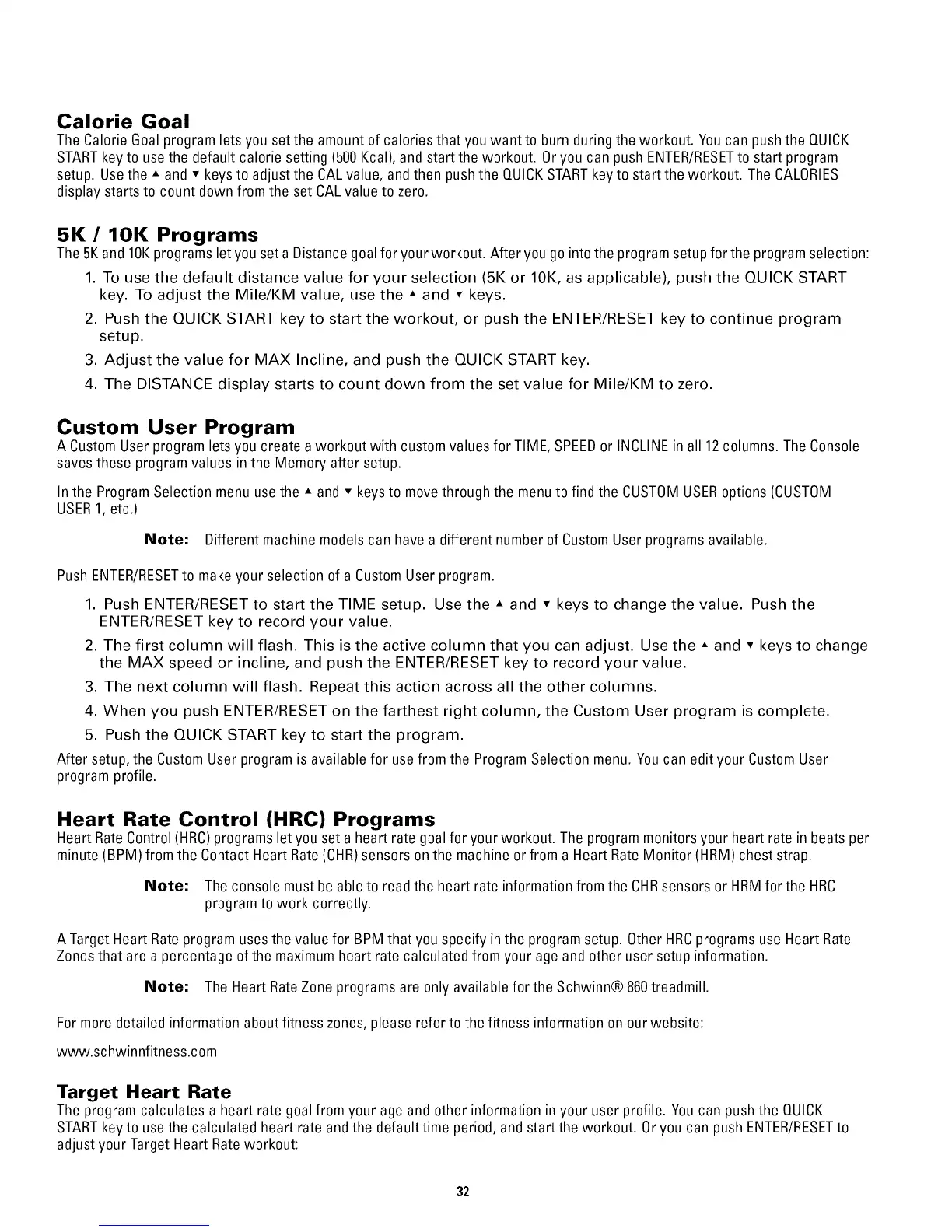
Note: The Heart RateZone programs are only available for the Schwinn® 860treadmill.
For moredetailed information about fitness zones,please refer to the fitness information on ourwebsite:
www.sc hwinnfitness.com
Target Heart Rate
The program calculates a heart rate goalfrom your age and other information in your user profile. Youcan push the QUICK
STARTkey to use the calculated heart rate and the default time period, and start the workout. Oryou can push ENTER/RESETto
adjust your Target Heart Rateworkout:
32


 To Next Page