28
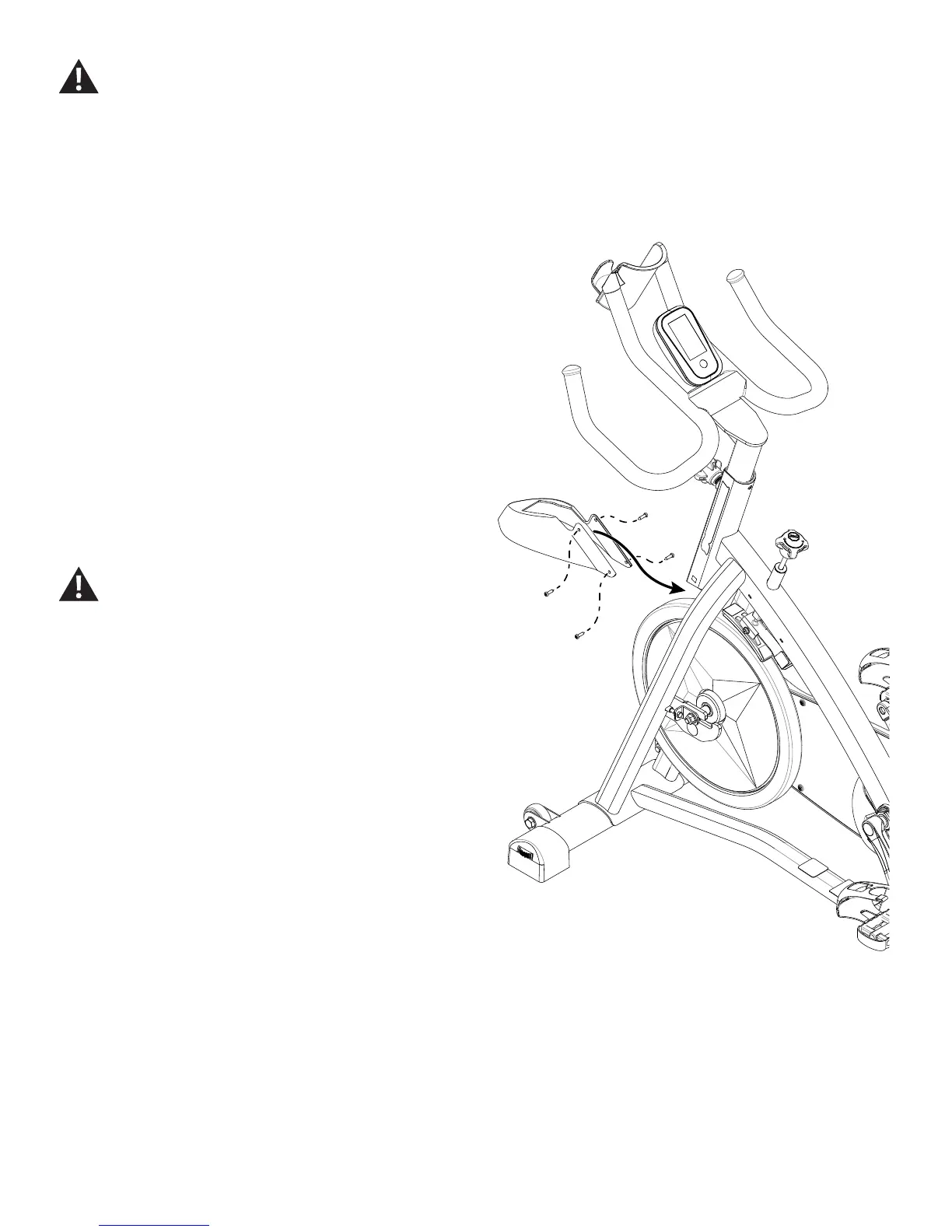
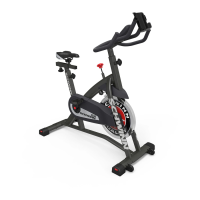
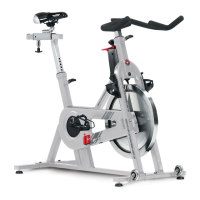
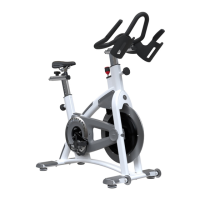
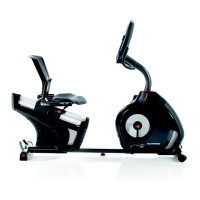
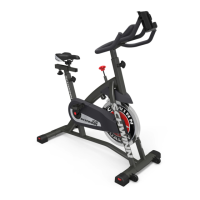
Note: Your machine may not match the image. For reference only.
1. Loosen and remove the hardware that attaches the Brake
Cover to the Main Frame. Set the hardware safely aside for
reassembly.
NOTICE: Hold the Brake Cover so that it does not fall.
2. Carefully remove the old Brake Cover and discard.
NOTICE: Do not crimp the cable.
3. Installation is the reverse procedure.
NOTICE: Do not crimp the cable.
4. Final Inspection
Inspect your machine to ensure that all hardware is tight and
components are properly assembled.
Do not use until the machine has been fully assembled and
inspected for correct performance in accordance with the
Owner’s Manual.
Disconnect the data cable from the console before you service this machine.






 To Next Page