32| 8.0 LinLab - Motorized Device Configuration and Cont
r
ol Software
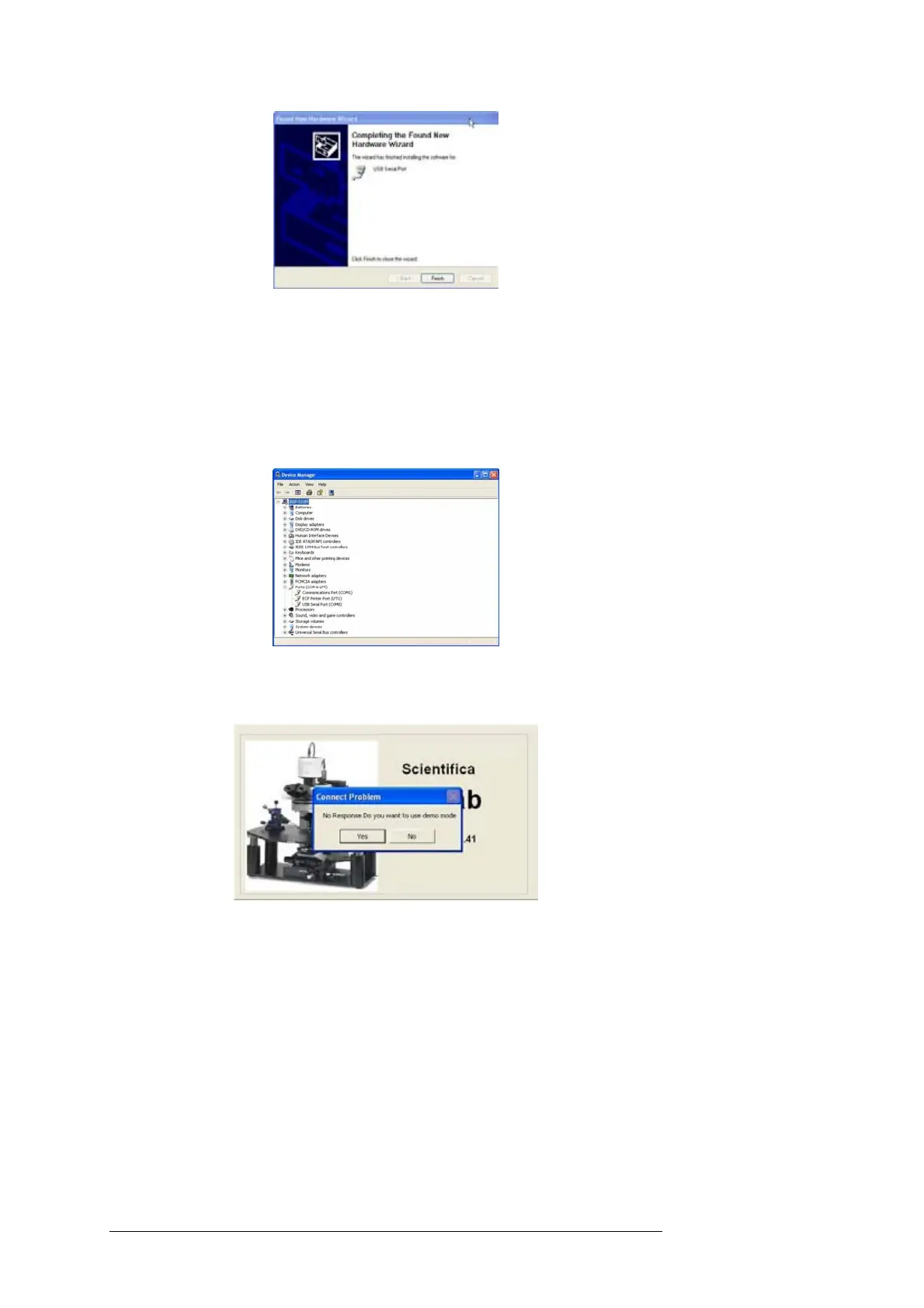
8.1.3 USB port assignment
In order to communicate using the USB you must know the
communications port that Windows has assigned to the USB port. To do
this, open Control Panel from the Start Menu, select System, Hardware,
Device Manger and then expand Ports (COM & LPT) your USB serial
Port will be displayed as below; in this case as COM8.
When LinLab is first run it will default to communicate via Com1. In order
to set the correct port, select Yes to run in demo mode.
Then select Communications Port from the Configure Menu.



 To Next Page