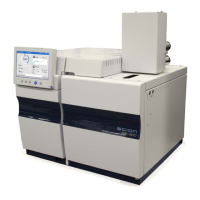
910 Technical information
436-GC/456-GC Service Manual Revision B February 2019
HOW TO SET A FIXED IP ADDRESS IN THE 436-GC/456-GC
1)
Make sure the BOOTP button on the GC is in the “lower” position the Fixed Mode
and switch the 436-GC/456-GC on.
2)
Press the button with the Setup-icon on the LUI.
3)
Press the button “SETUP” on the Touchscreen.


 To Next Page
 Loading...