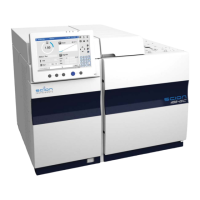
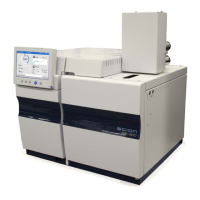
436-GC/456-GC Service Manual Revision B February 2019
Removal & Replacing the LUI assy on 436-GC
1.
Open the display by pushing on the right hand side of the LUI.
2.
Loosen the 4 Torx screws from the lid covering the LUI compartment.
3.
Disconnect both the LUI RJ-45 data cable and Power cable.
4.
Loosen the 4 Torx screws on the copper hinge to remove the complete LUI assy.
5.
Reassemble is the reverse of removal.


 To Next Page
 Loading...