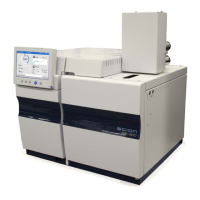
436-GC/456-GC Service Manual Revision B February 2019
Removal & Replacing the 456-GC main board.
1.
Remove the left side panel and top panel.
2.
Remove all detector cables from the PWA’s.
3.
Remove the Detector PWA, this is done by removing the screws on the chassis.
4.
“if” an Option board is present remove this board.
5.
Remove all cables that connect to the main board.
6.
Remove the 6 screws that connect the main board to the frame.


 To Next Page