ScorpionTrack Cat 5 Installation Guide V3 17.03.17 Page | 8
card is allocated a number and this number will be reflected in the text
and will be on a sticker on the card.
b) Driver card not found. The text will display the unique card number that
has not been recognised. There could be a number of reasons for this:
- The card is not present.
- The card is on charge.
- The card battery is too low for it to be sensed during
commissioning.
If problems persist after eliminating all of the above options, please
contact Tracking Support on 01257 249928 option 2 for technical
assistance.
c) Once the installation is complete, the unit has GPS, is connected to the
cellular network and both cards are paired to the system, the installer will
receive a text to confirm that the unit has commissioned. This will show
the vehicle registration and longitude and latitude of the vehicle’s
position. At this point the installer will have 2 hours in which to view the
location online but only if the customer has paid their subscription.
If the installer does not receive the final confirmation text, the unit has not
commissioned. This could be due to a number of reasons which should be
identified by the LED Status Indication (please see below). For further assistance
please call Tracking Support on 01257 249928 option 2.
Please Note: DO NOT hand a vehicle back without having first received the
installation complete SMS
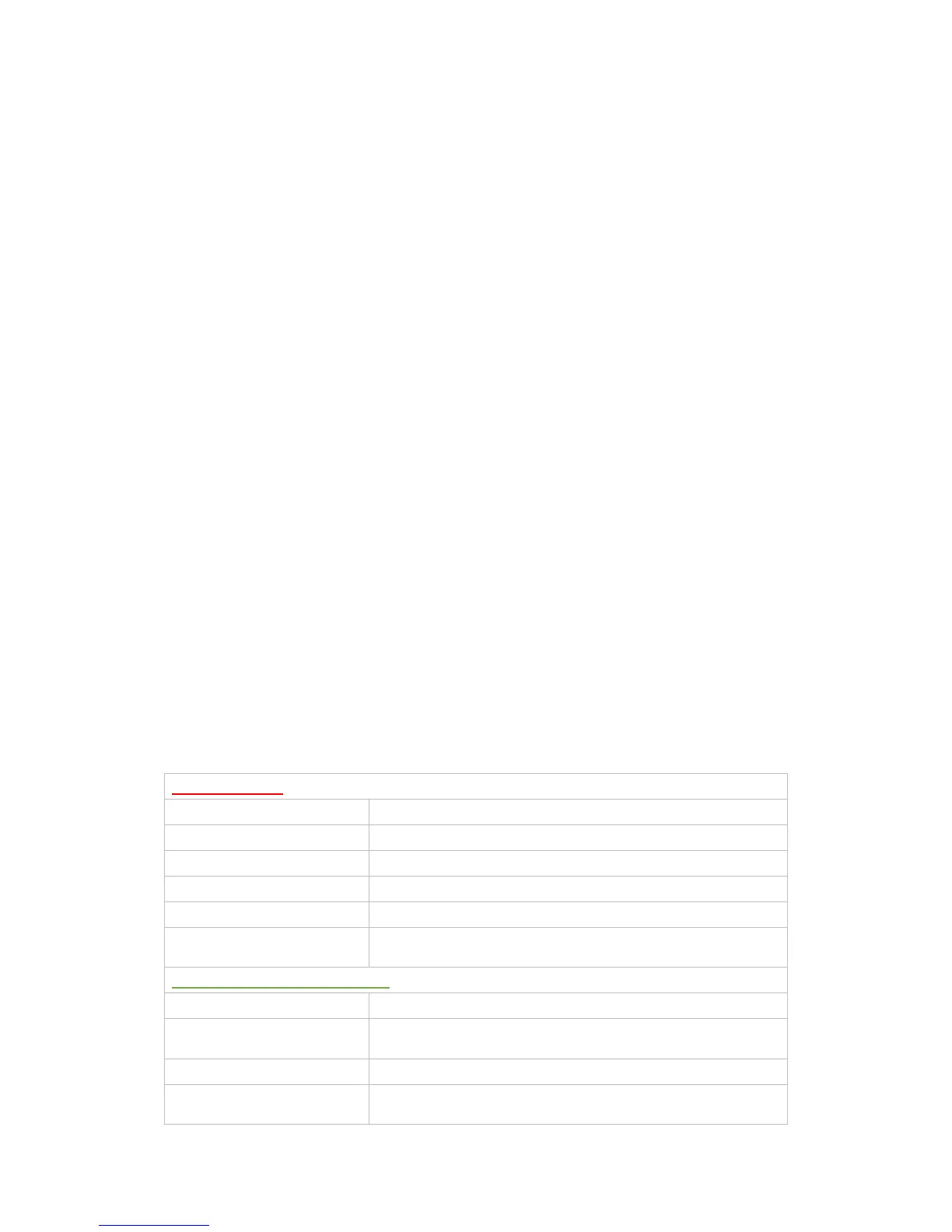
LED Status Indication
Red = GPS Signal
Rapid Red Flash Searching for cellular network
1 X Red Flash Connected to cellular network but not the Server
2 X Red Flash Connected to the server but no ignition supply is detected
3 X Red Flash Connected to the server with ignition supply
Solid Red Internal battery backup fault
Unlit (No LED at all)



 To Next Page