8
STEERING WHEEL CONTROLS
1. Determine if your vehicle has built-in stereo (audio)
control buttons located on the steering wheel:
a. If yes, proceed to step 2.
b. If no, then disregard this steering
wheel controls section.
2. Determine if your new stereo is compatible with
steering wheel controls. Consult the installation
manual provided with the stereo, or check the
wiring connections behind the stereo:
a. Some stereos have a 3.5 mm round (headphone type)
input receptacle at the rear of stereo
labeled“SWC”or“SWCIn”
b.SomestereoshaveBluewirewithYellowstripe
(orothercolor)labeled:“SWC”or“SWCIn”.
3. Refer to chart on page 9 to prepare the Steering Wheel Control harness. Use the chart to determine
which colored loop to cut and the corresponding connection for your particular stereo. If your brand
isnotlistedinthechart,pleasecalltechsupportforassistance:(800)612-3695Ext.3
4.Connectthe3.5mmMalejackthebackofthestereo’sSWCinputorconnecttheBrown(KEY1),Gray
(KEY2)orBlack(GND)tothestereo’sSWCinputwire.
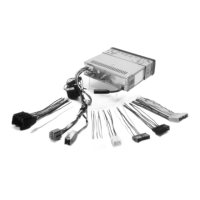
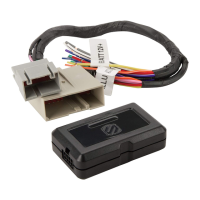
5.ConnecttheMale14-Pinconnectortheinterfacemoduleasshowninthediagram.
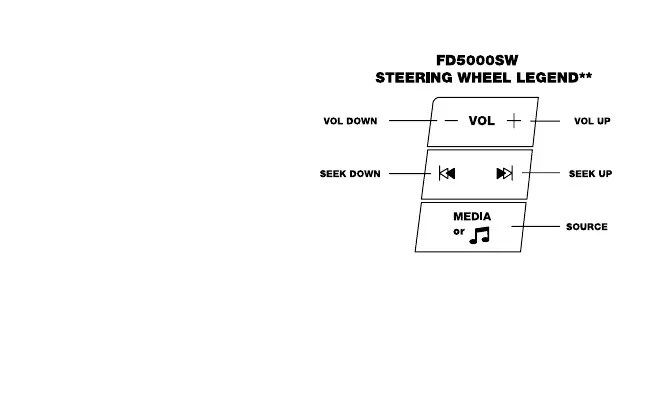
**NOTE: Steering wheel control buttons and functions are provided as a guide. Your specific vehicle may differ.



 To Next Page