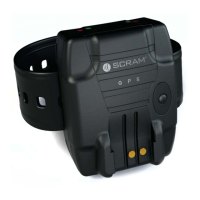
SCRAM GPS
Quick Reference Guide
3
3. Enter the user’s cell phone number in the Cell Phone
fi eld.
4. Click the Save button.
ADD ACCOUNT ZONES
Account zones can be used for multiple offenders. To add
an account zone:
1. Click the Add Zone button.
2. Select the type of account zone being added.
3. Enter the account zone name in the Name fi eld.
4. Select the zone shape (circle or rectangle) in the
Shape drop-down list.
5. Enter/select address information.
6. Click the Apply Changes button.
The map moves to the address entered.
7. Click the Save button.
INITIAL SCRAM GPS OFFENDER
SETUP
ADD NEW OFFENDER
PROFILE
To set up the offender profi le:
1. Enter the offender’s fi rst and last name and any
additional information.
2. In the Manage Photos panel, click the Select button
to add a photograph of the offender.
3. Click the Address tab and enter the offender’s home
address.
4. Click the Save button.


 To Next Page