ScreenBeam
®
|
1100 Plus
screenbeam.com | 15
Using CMS
In addition to a best in class wireless display and collaboration
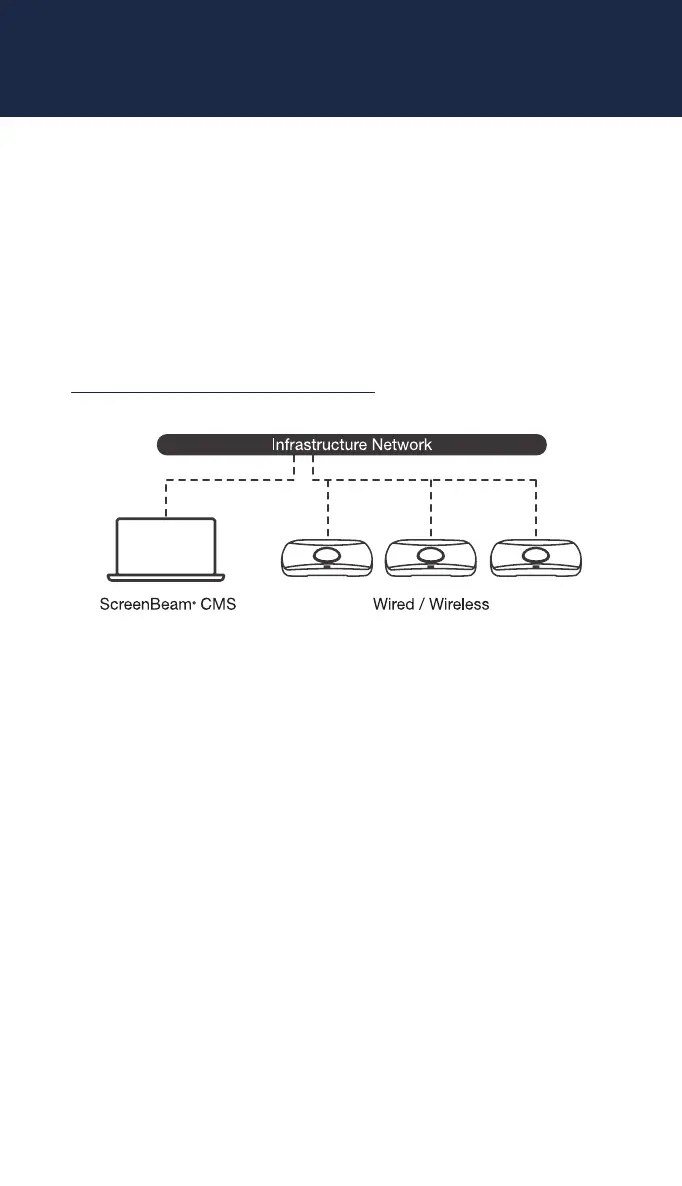
experience, your ScreenBeam device does include a Centralized
Management System (CMS). This allows you to manage all the
ScreenBeam devices you have deployed from a central location.
To learn how to setup CMS and manage your deployment, please
download our CMS Deployment Guide from our website at:
https://support.screenbeam.com/cms
Note: Access to the LMI is prohibited by default if ScreenBeam
1100 is connected to ScreenBeam CMS for management. This
option can be changed in the receiver’s settings.
Note: This product is intended to be supplied by a Listed Direct
Plug-In Power Unit marked “Class 2”, Listed Power Adapter or
DC power source marked “L.P.S.” (or “Limited Power Source”)
and rated 12Vdc, 3A minimum. US SKU:
Model # CDS036-W120U. International SKU: Model #
ATS036T-W120V. Made by Actiontec.



 To Next Page