Introduction
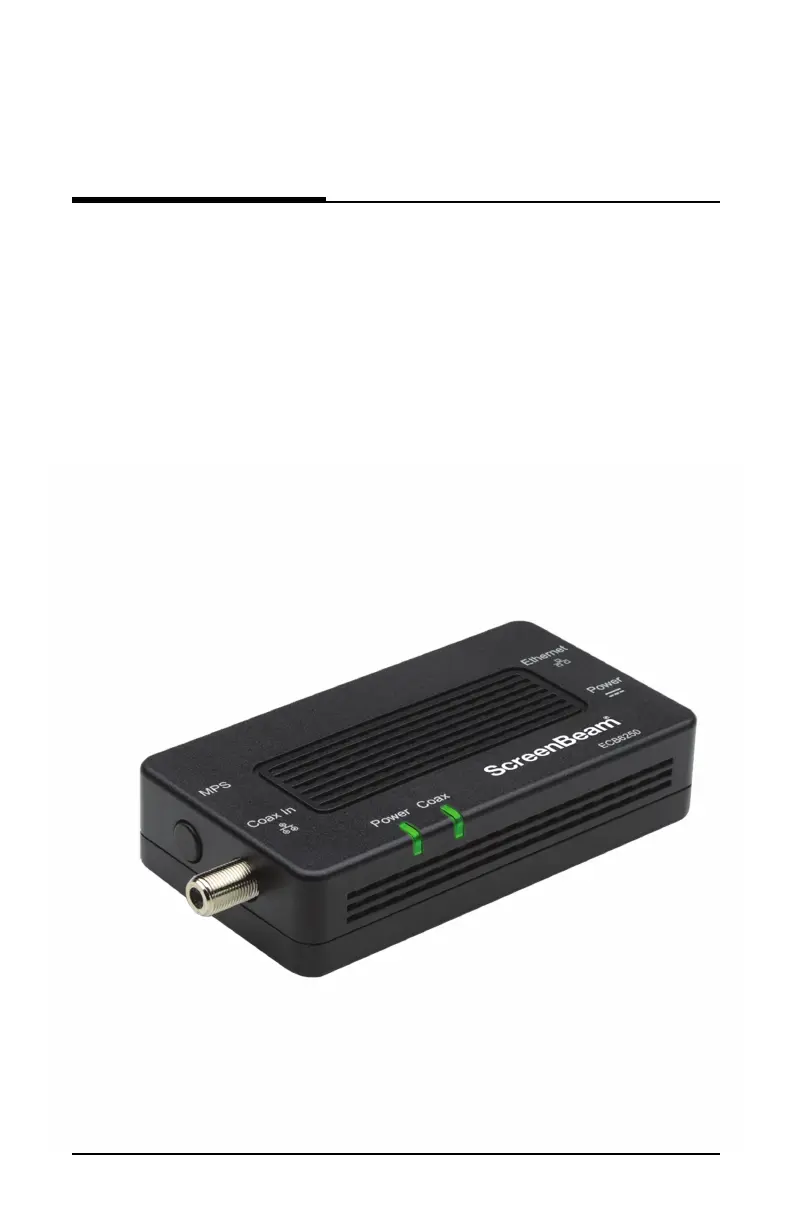
Congratulations for purchasing the ScreenBeam ECB6250 MoCA 2.5
Network Adapter. The Adapter is a simple, flexible solution for extending
a home network. By leveraging the ubiquity of coaxial cabling within the
modern home, the Adapter provides an Ethernet Internet port anywhere
a coaxial connection is available.
This user manual explains the procedures needed to connect the Adapter.
2User Guide | Bonded MoCA Network Adapter | Model # ECB6250
Getting Started



 To Next Page