Package Contents
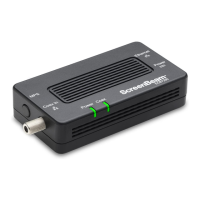
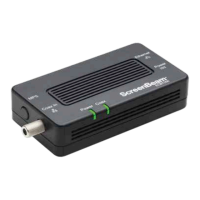
• ECB6250 MoCA 2.5 Network Adapter
• Coaxial cable
• Power adapter
• Quick Start Guide
• Ethernet cable
Requirements
• Available coaxial port in installation areas
• Available electrical wall socket in installation areas
Features
• Ethernet port (1.0 gigabit)
• Coax In coaxial port (v. 2.5)
• MoCA Protected Setup
• Power, Coax, and Ethernet LEDs:
- Power LED: glows solid green when Adapter is powered up.
- Coax LED: glows solid green with connection on the Coax port.
- Ethernet LEDs (2): located on upper right and left corners
of the Ethernet port; left LED glows green on connection; right
LED blinks green when data is transferred across port.
3User Guide | Bonded MoCA Network Adapter | Model # ECB6250
Getting Started



 To Next Page