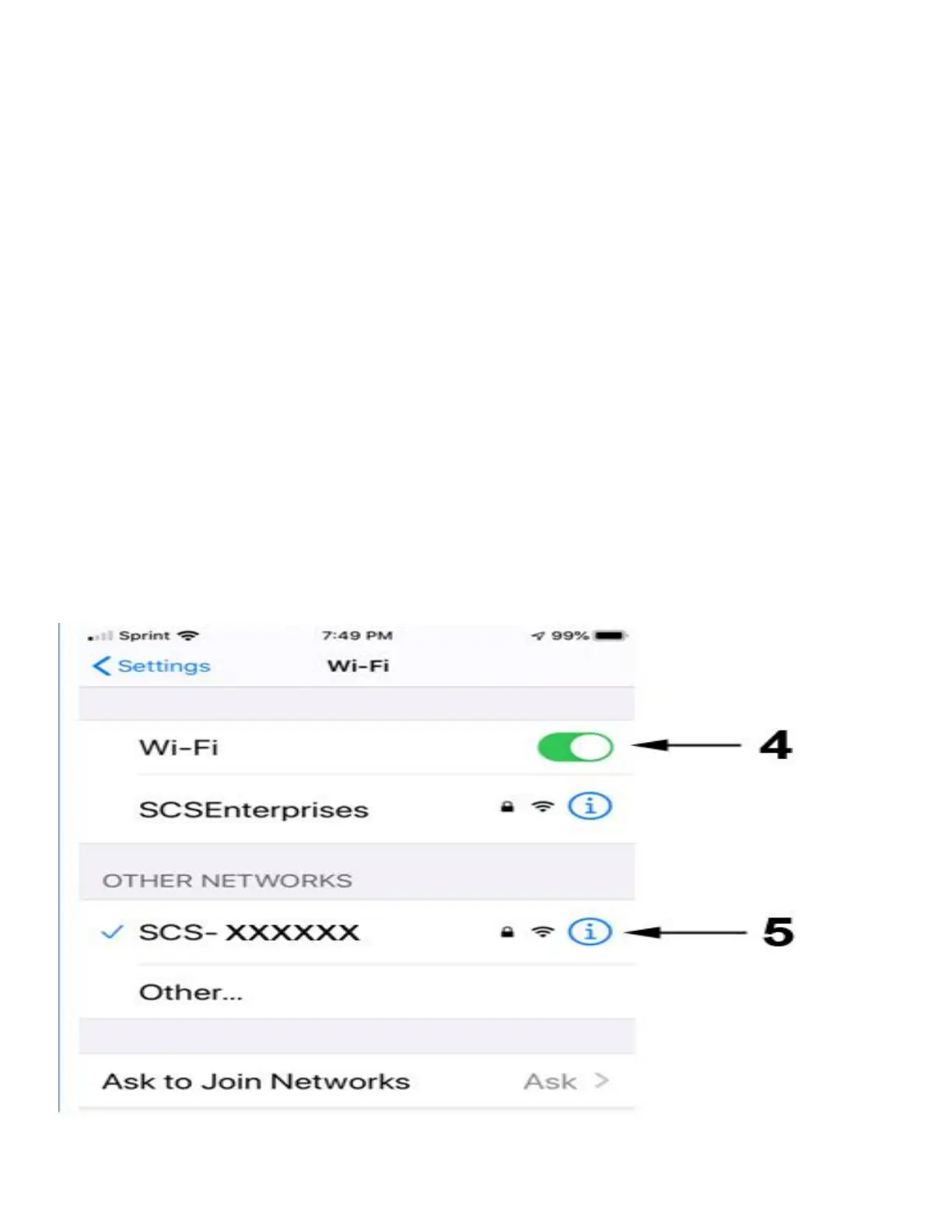
4. Go to your smartphone’s WiFi setting and
turn the WiFi ON.
5. Wait until the camera SSID appears (SCS-
xxx..) choose it, use the WiFi Direct PW:
0123456789
and wait until it connects.
It is normal when you get a message such as:
- No internet available, unsecured network, etc..
Connect to the camera SSID anyway.



 To Next Page