IDS701 User Manual
Page 8 of 25
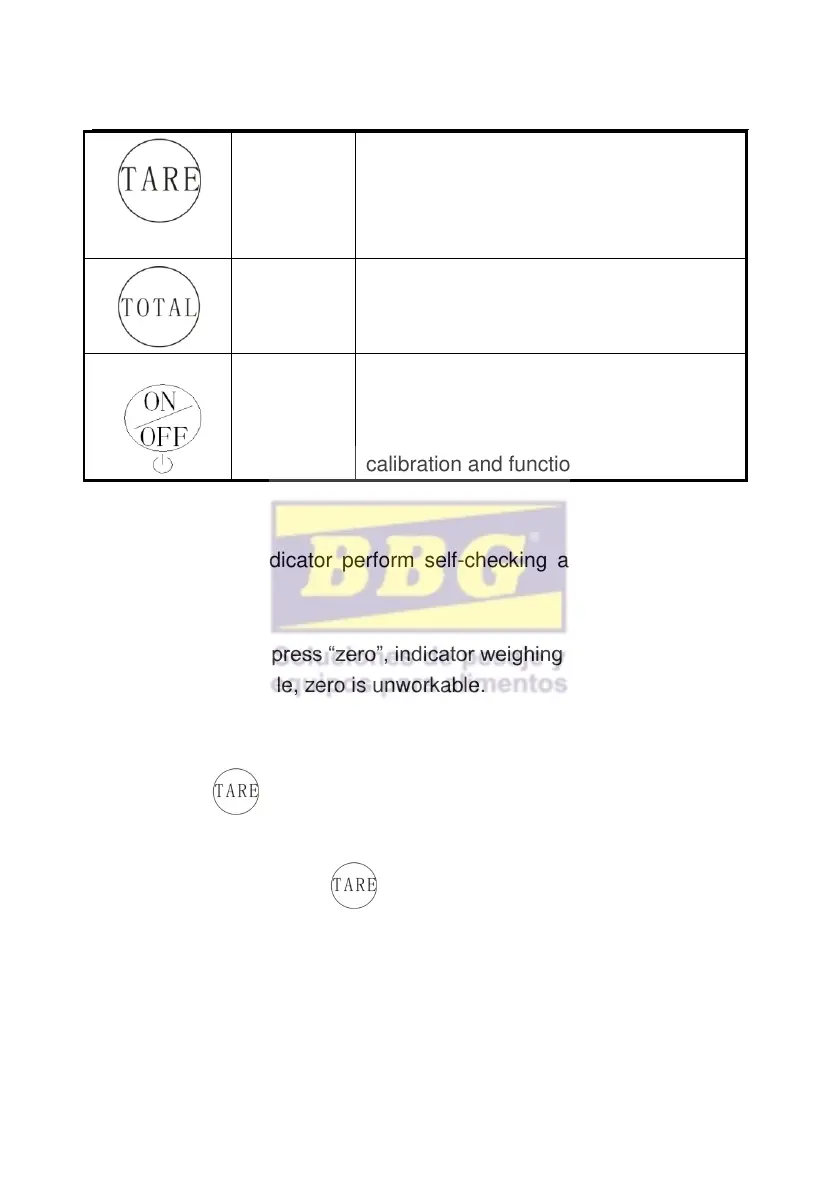
1.At Gross mode, tare the loaded
weight
2.At Net mode, display gross weight
after deduct tare
Work together with SET perform
accumulating operation
1.Press it for 2 seconds to power on or
power off
2.Work together with “SET” to enter
calibration and function setting.
3.2 Power on
Power on and indicator perform self-checking and go to weighing
mode.
3.3 Zero setting
Within zero range, press “zero”, indicator weighing is cleared. When
Indicator is not stable, zero is unworkable.
3.4 TARE
Press , take the loaded weight as tare, display net
weight, Net weight is zero. “tare” “ net” status light is on.
At the Tare mode, Press , clear the tare, display gross weight.
3.5 TOTAL
Accumulation operation



 To Next Page