IDS701 User Manual
Page 11 of 25
4. Calibration and parameter setting
4.1 Enter setting
There have two methods to enter the setting menu:
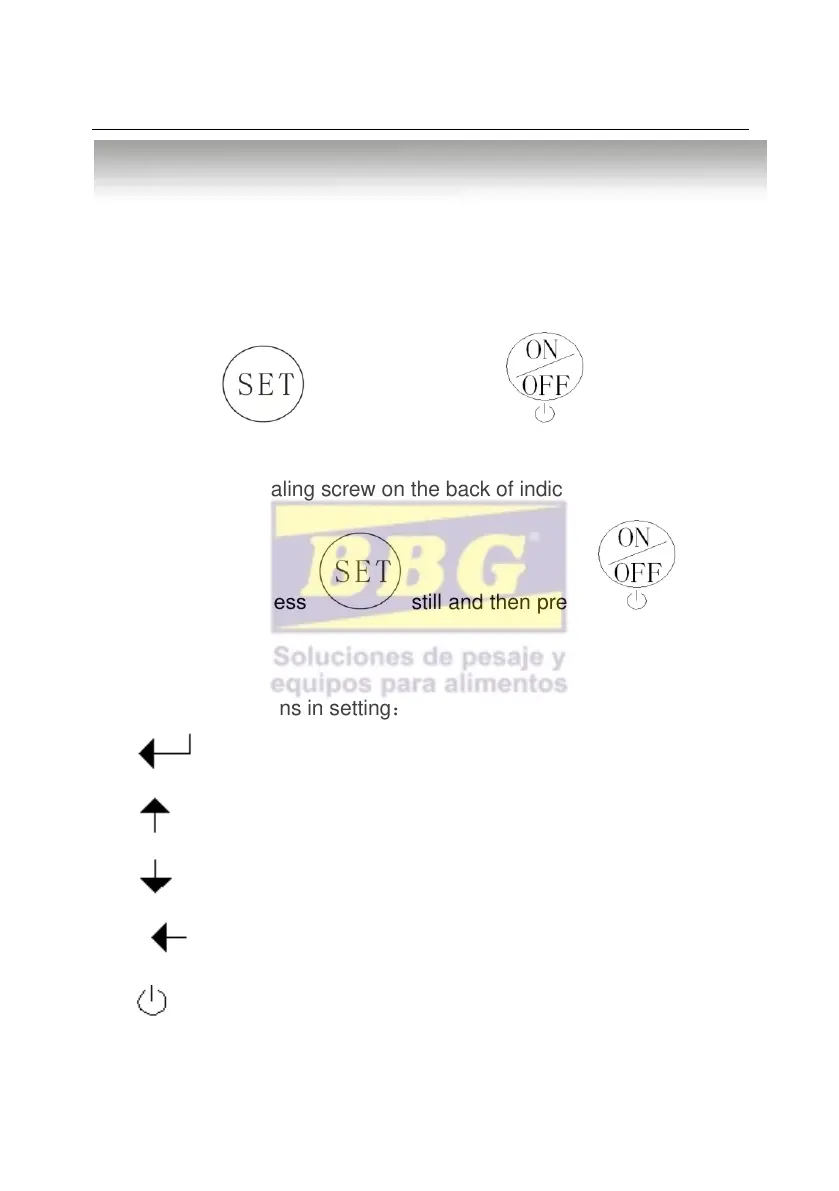
1. when the “span” is not pressed down,
Press Press still and then press enter C08-C39
setting.
2. Take out the sealing screw on the back of indicator, then press
down the “span” Press still and then press enter
C01-C39 setting.
The key functions in setting:
Enter
Up
Down
Left
Power switch. exit setting



 To Next Page