IDS701 User Manual
Page 12 of 25
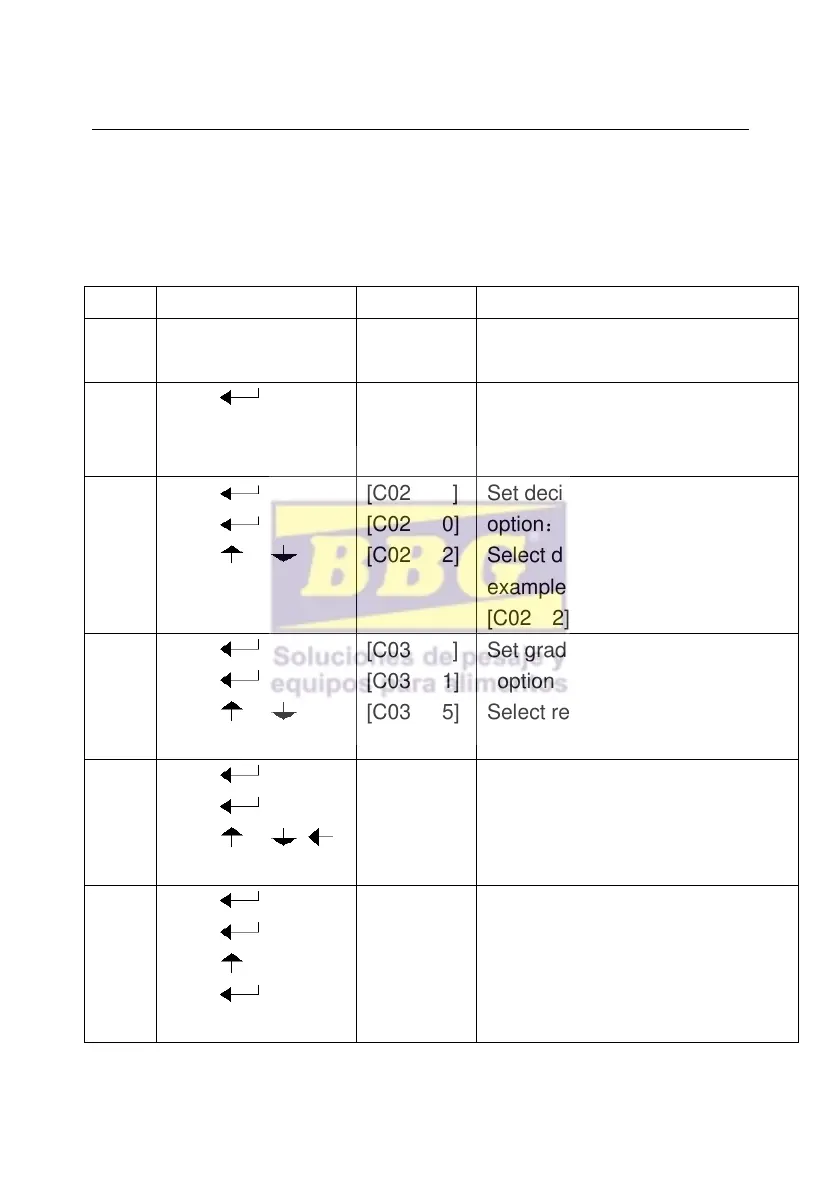
4.2. Step of calibration operation:
According to the second method which can enter setting menu,
C01-C39
After you enter to calibration
mode, it display [C01 ]
Weight unit
option:1=kg
2=lb
Set decimal digits
option:0/1/2/3/4
Select decimal digit
example:two decimal point:
[C02 2]
Set graduation
option:1/2/5/10/20/50
Select required graduation
example:graduation 5:[C03 5]
[C04 ]
[0100.00]
[0100.00]
Max capacity
example:max weighing 100kg:
[0100.00]
[C05 ]
[C05 0]
[C05 1]
[CAL 9]
。。。。。。
Zero calibration
option : 0=non-calibration zero
1=need calibration zero
calibration zero please choose 1 and
ensure scale is empty and “stable”



 To Next Page