SD-MA-031
10
6) Rename
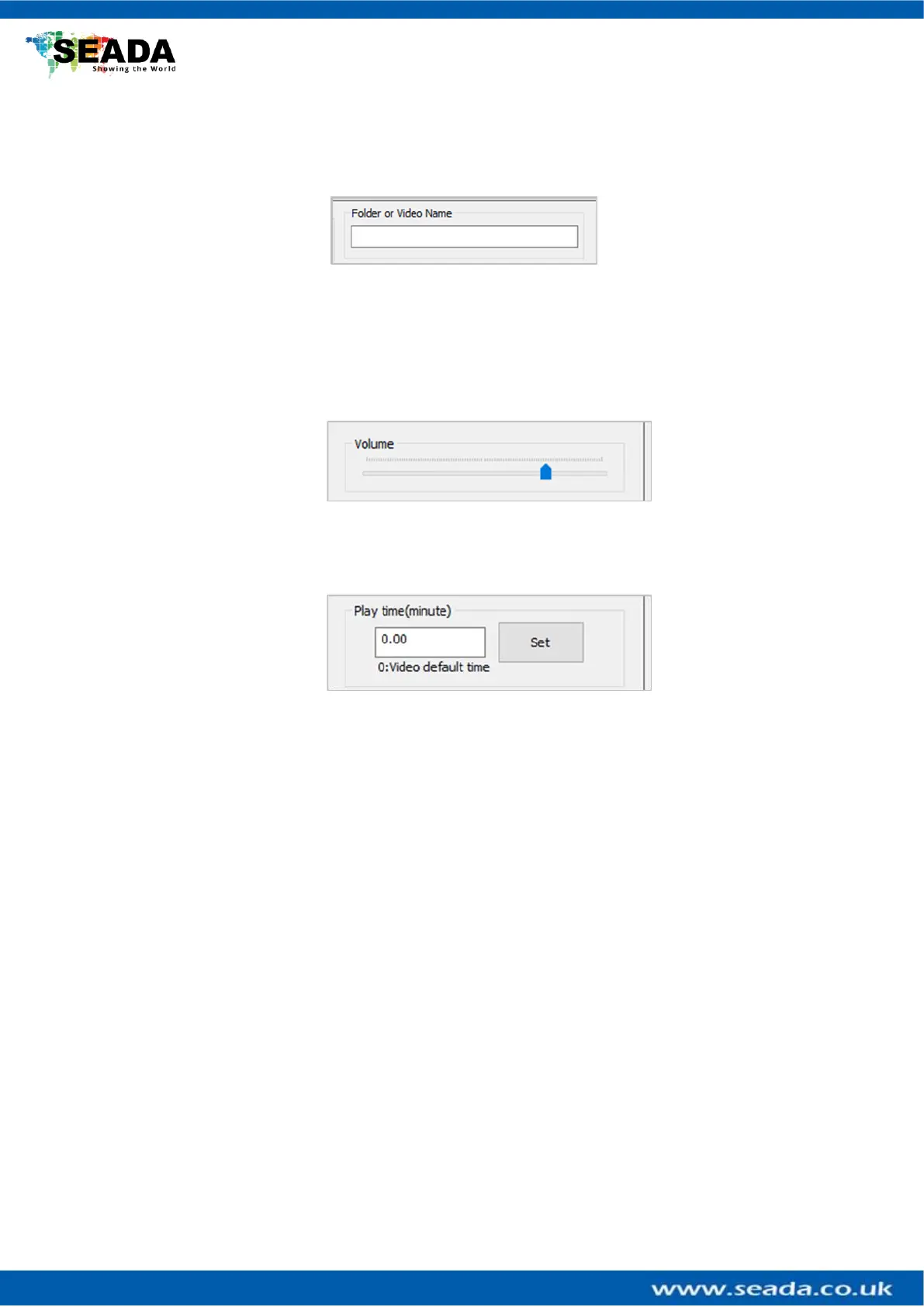
Highlight the file or folder in the File List and press this button to rename the video or
folder name in the list to the new name users entered in ‘Folder or Video Name’
7) New Folder
Press this button to create a new folder in the list to the new name users entered in
‘Folder or Video Name’
8) Volume Control
Users can control the volume of the GM9 output audio
9) Play Time Control
Users can set up the loop interval time between each video here. GM9 will loop all
the videos in the folder at the interval set up by users.



 To Next Page