SD-MA-031
4
2、Edit
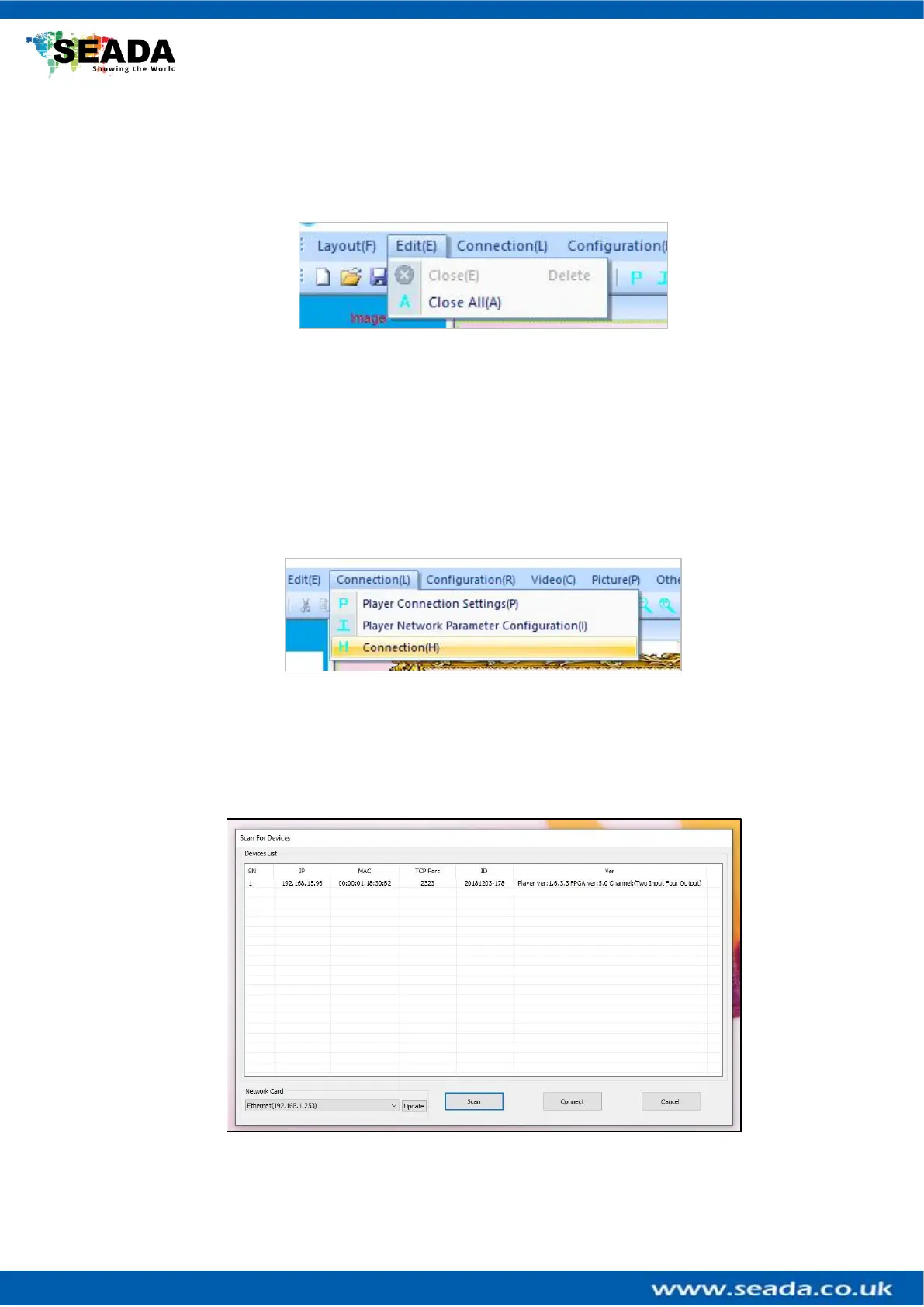
Users can close single or all the opened windows of HDMI captured videos in Video
Wall Display Area
2.4 Close
Close the current highlighted on the Video Wall Display Area
2.5 Close All
Close all video input windows on the Video Wall Display Area
3、Connection Settings
3.1 Player Connection Settings
All GM9 units connecting to this control PC will be shown in the list. Highlight GM9 to
be connected and then press ‘Connect’ button to connect. A ‘connected’ message will
be shown once the connection is established.



 To Next Page