SD-MA-031
6
4、Configuration
4.1 Output Resolution Setting
Users can set up the output resolution to match the screens to be used in the video
walls.
(1024X768@60Hz 、 1280X720@60Hz 、 1280X768@60Hz 、 1280X800@60Hz 、
1280X1024@60Hz、1920X1080@60Hz、1920X1200@60Hz)
users are also able to customize the output resolution in this section.
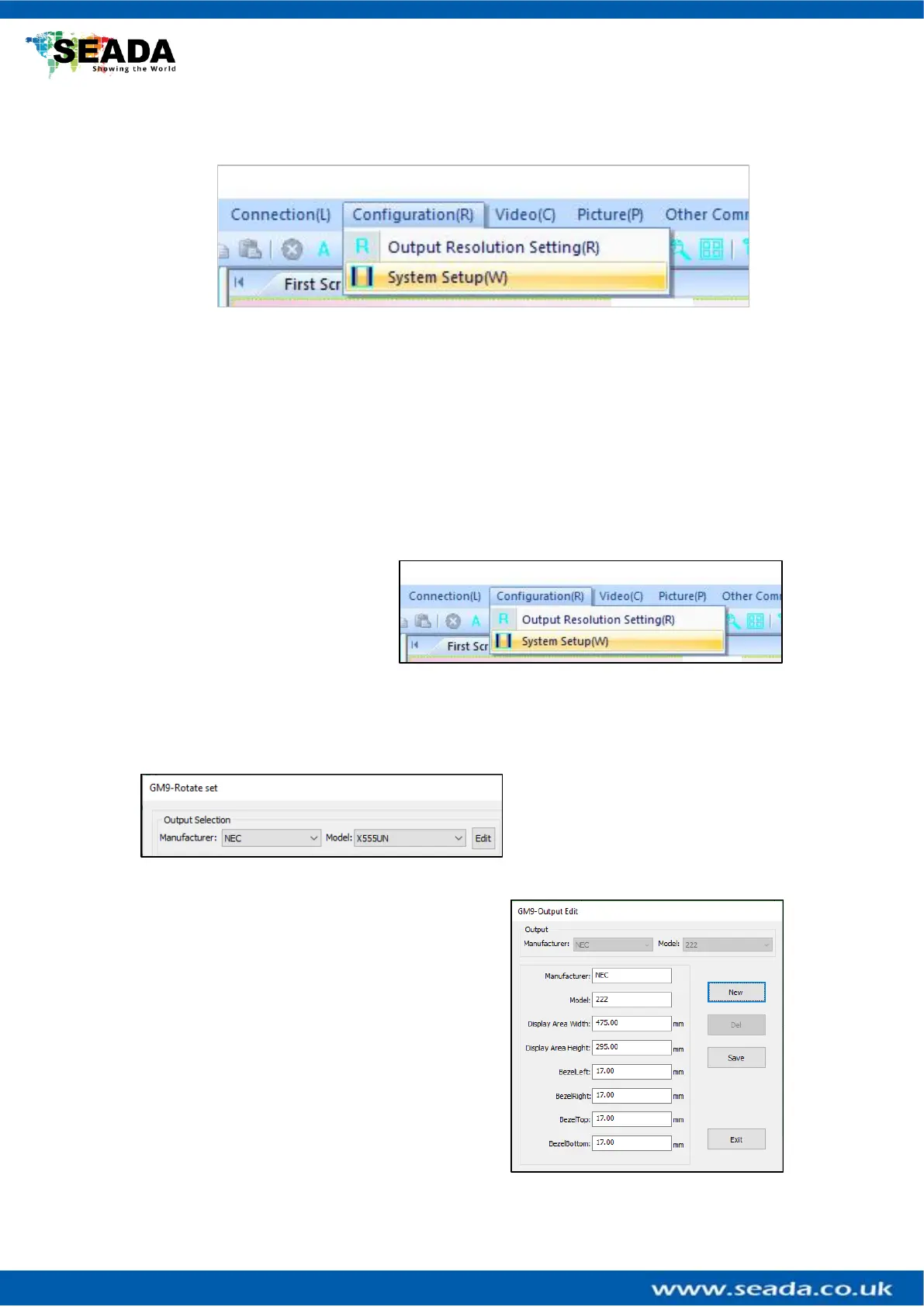
4.2 System Setup
Users can setup their video wall in
the System Setup section of the
GM9 software. This is accessed
from the Configuration menu or
from the shortcut on the toolbar
4.2.1. Output Selection
This section allows users to select
what type of monitor they have. First
select the Manufacturer and then
select the Model. If the monitor you
have is not in the list, you can add it manually by clicking on the Edit button.
Type in the name of the Manufacturer and Model.
Afterwards you can enter the dimensions of the
display area and the bezels of the screen. After you
are done you can select Save and then you will find
it under the Manufacturer and Model you have
saved it under.



 To Next Page