SD-MA-031
3
iii. Operation
1、Layout
Users can set up the layouts for the open
windows of input video from HDMI
capture on the wall. The layouts will be
saved onto control PC, not onto GM9 itself
and the amount of the layouts can be
saved are unlimited here.
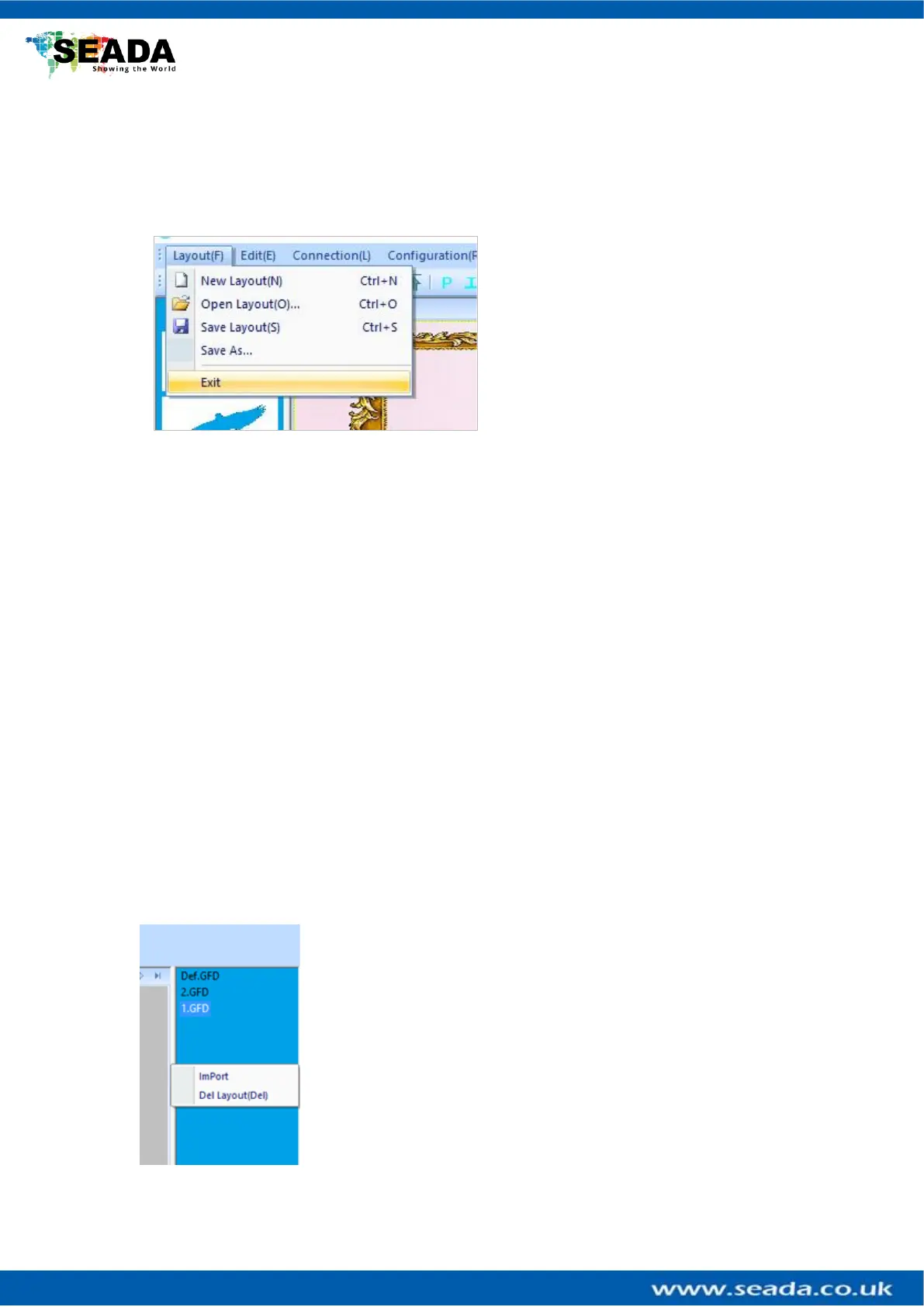
1.1 New Layout
Create a new blank layout
1.2 Open Layout
Open an existing layout from the control PC
1.3 Save Layout
Save the changes to the current layout onto control PC
1.4 Save As
Save the current layout to as different layout onto control PC
1.5 Exit
Exit the software
1.6 Import Layouts onto GM9
Uses can load the layouts from control PC onto GM9 or delete the
layouts from GM9 in this section, therefore the 3
rd
party controller
can change the layouts using command lines. Right click on ‘GM9
Onboard Layout List’ area to open the dropdown menu.



 To Next Page