SD-MA-031
2
ii. UI
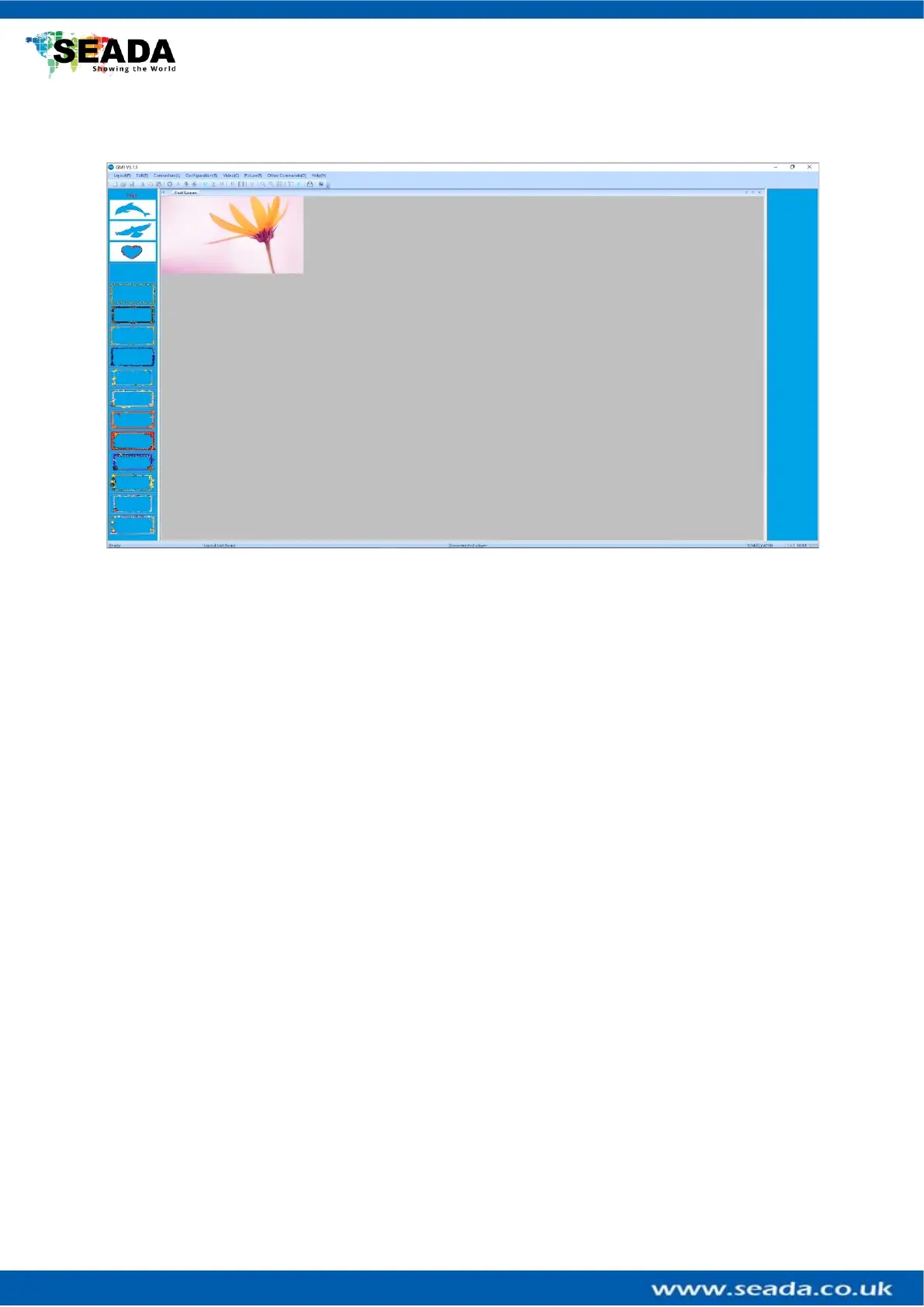
GM9 management software provides a GUI in ribbon style for the users and enables users to
interactively move, resize, position, and crop any input capture windows. The whole GUI
consists of four main parts:
1. Toolbar
Users can manage the GM9 units with the commands on the toolbar.
2. Video Input List
It lists all the different shapes of the windows for HDMI capture input. Users can drag and
drop onto video wall.
3. Video Wall Display Area
It shows the layout of current windows on video wall and users can manage the inputs
windows here via mouse
4. GM9 Onboard Layout List
It shows the preset layouts on GM9. Users can load and delete the layouts here on GM9.



 To Next Page