Installaon
Install FireCuda 530R SSD
1. Before installing FireCuda 530R SSD, power down your computer and unplug any cables attached to
it.
2. Open the case or cabinet.
3. If an existing SSD drive is installed in the M.2 PCIe slot you intend to use for FireCuda 530R SSD,
you'll need to remove it.
4. Power on your computer.
5. Access the BIOS setup while the computer is booting. Ensure that a PCIe device is set in the BIOS boot
sequence or boot priority list.
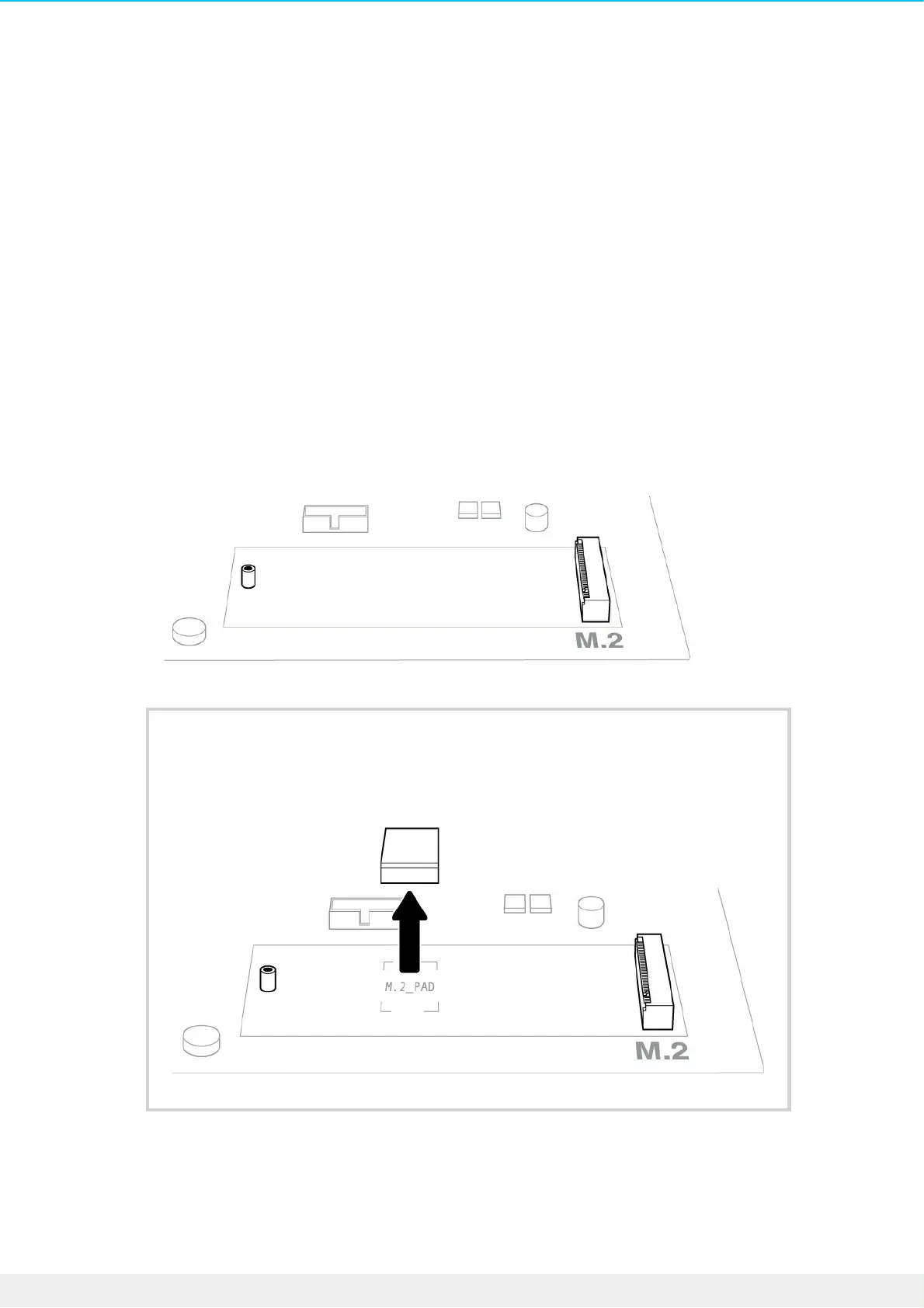
6. Power down the computer and locate the M.2 PCIe slot on your motherboard.
Note—Some motherboards have a pad installed in the M.2_PAD space by
default. This pad can be removed to ensure a better fit for FireCuda 530R
SSD.
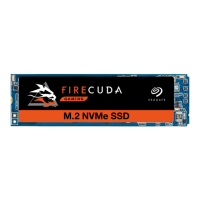
7. Check to make sure that the notch on FireCuda 530R SSD is correctly aligned with the divider in the
slot. Gently push FireCuda 530R SSD into the slot until it's firmly seated.





 To Next Page