OPERATION
MANUAL
Section 2: SYSTEM OPERATION
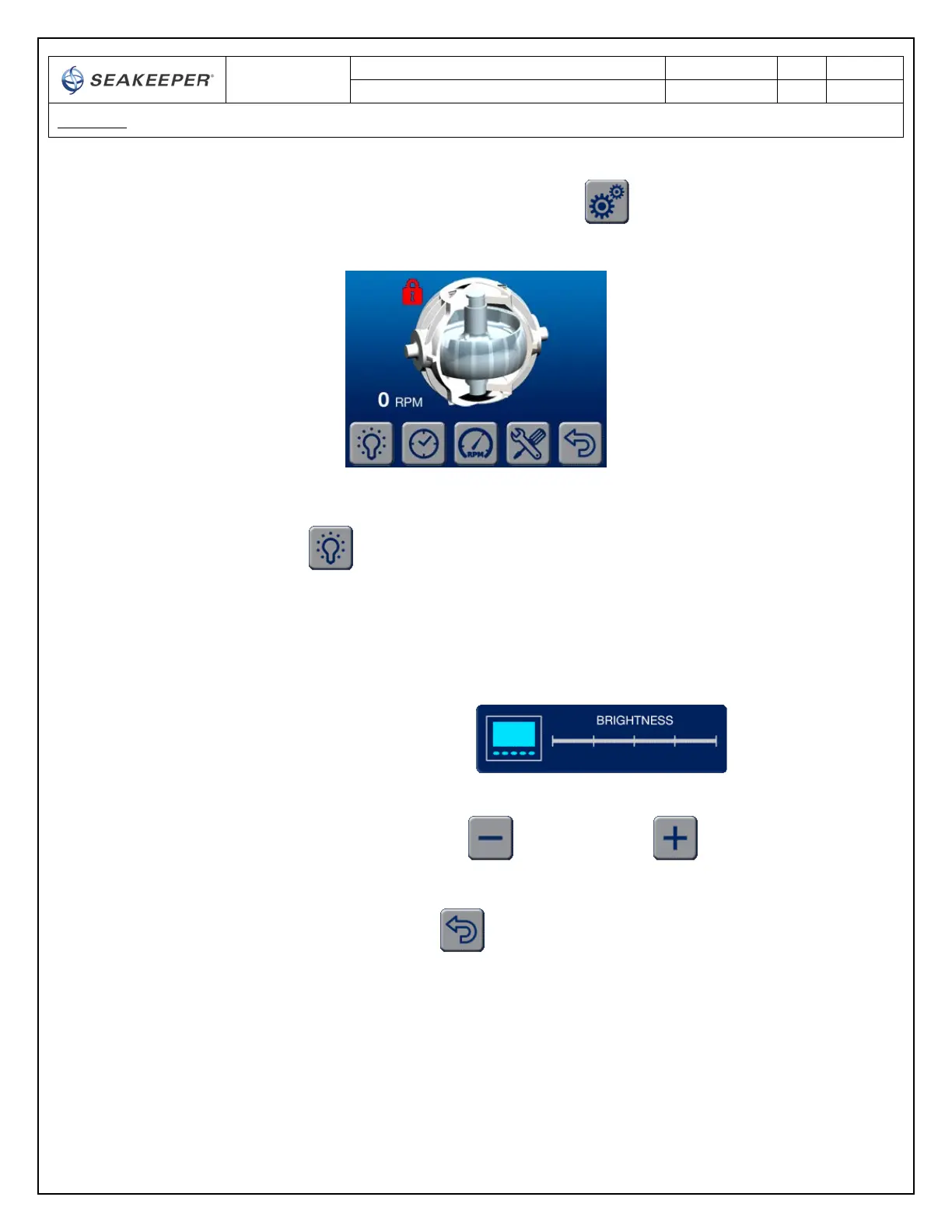
4) When the button is depressed for the SETTINGS screen the DISPLAY changes to the
SETTINGS screen
a. SETTINGS screen BUTTON ICON functions
i. Allows the brightness of the DISPLAY to be increased or decreased.
The brightness settings for the DAY or NIGHT modes can be independently
adjusted by selecting the DAY or NIGHT on the main page before entering
the SETTINGS screen.
1. When the button is depressed the BRIGHTNESS settings appears
2. The BRIGHTNESS is decreased or increased by depressing the
MINUS button or the PLUS button
3. To navigate back to the SETTINGS screen the BACK button is
depressed



 To Next Page