OPERATION
MANUAL
Section 2: SYSTEM OPERATION
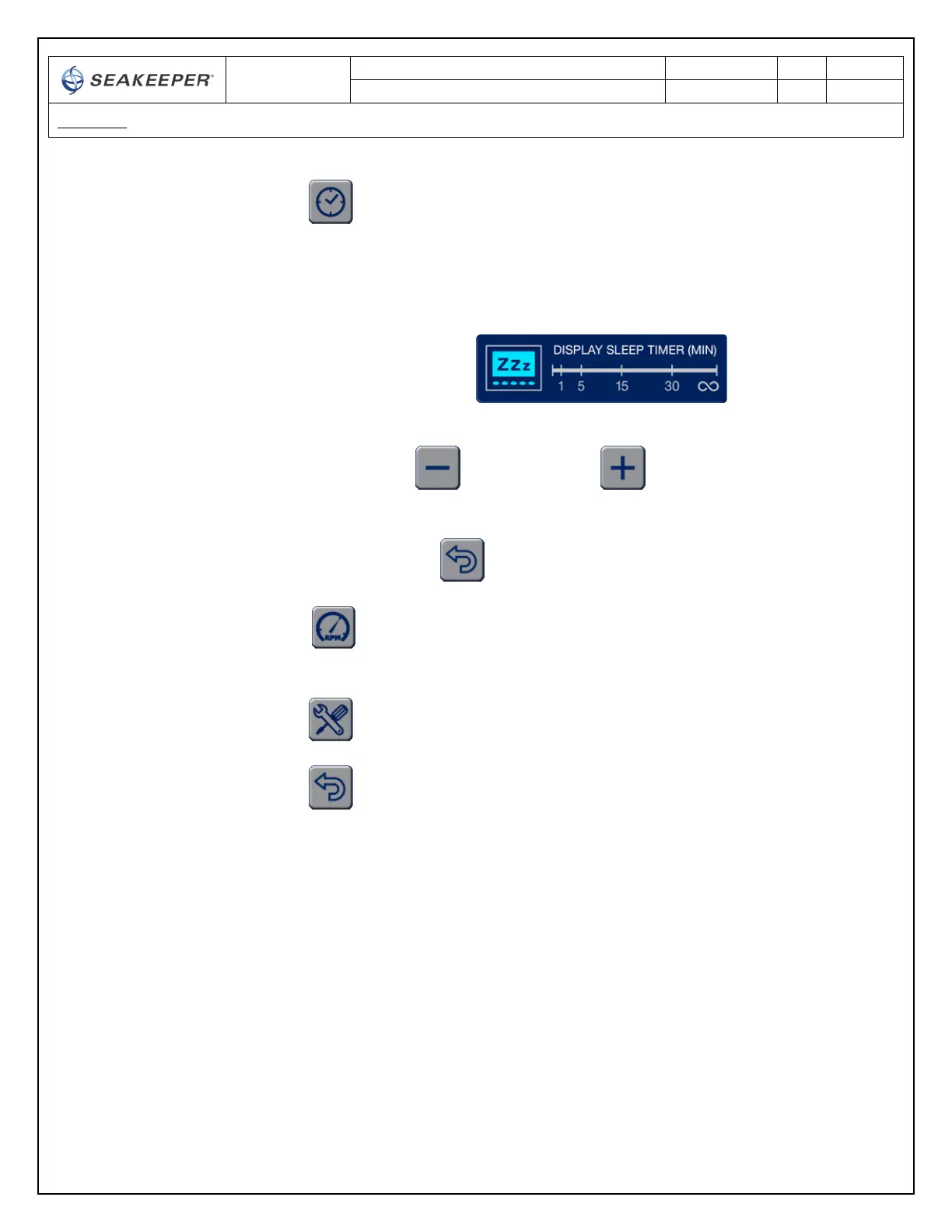
ii. Adjusts the sleep function of the DISPLAY from one minute to 30
minutes or the DISPLAY screen on all of the time
1. When the button is depressed the DISPLAY SLEEP TIMER setting
appears
2. The SLEEP TIME is decreased or increased by depressing the MINUS
button or the PLUS button
3. To return back to the SETTINGS screen the BACK button is
depressed
iii. Changes to the speed mode screen. See section 2.5 Boat Transit and
Speed setpoint selection screen for more information.
iv. Changes the DISPLAY to the SERVICE screen
v. Returns the DISPLAY to the HOME screen



 To Next Page