OPERATION
MANUAL
Section 2: SYSTEM OPERATION
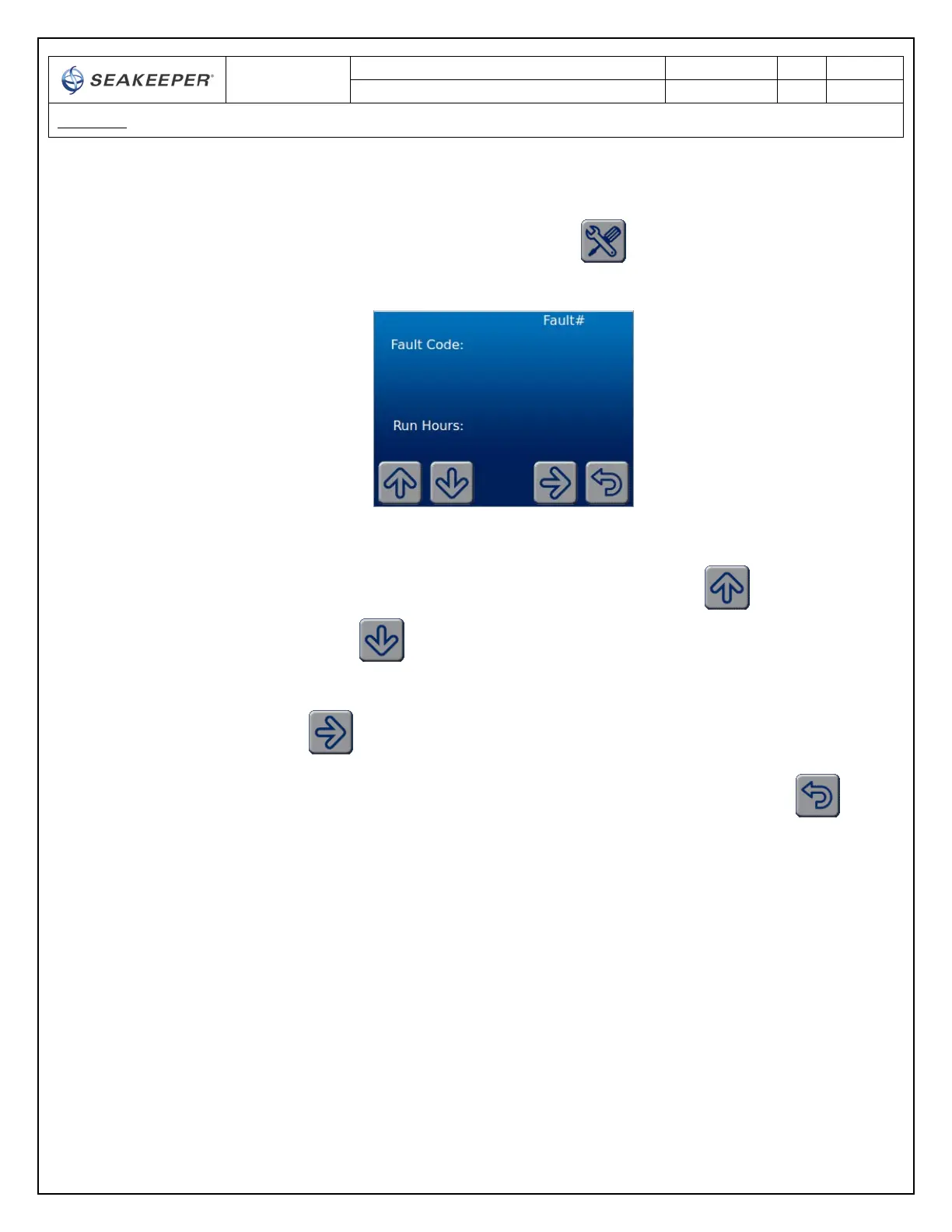
5) When the button is depressed for the SERVICE screen the DISPLAY changes to the
SERVICE screen. The SERVICE screen displays the FAULT history of the GYRO
a. SERVICE screen BUTTON ICON functions
i. To scroll through the ALARM history the UP button and DOWN
button are depressed
ii. To change to the GYRO information screen the NEXT button is depressed
iii. To change back to the SETTINGS screen the BACK button is depressed
6) The GYRO information screen displays the GYRO model, GYRO serial number, GYRO software
version, DISPLAY software version, RUN hours, and SEA hours, the IMU software version as well
as the PFC Inverter software version. The PFC inverter calibration Major, Minor and model
information is also displayed in the following format: Major.Minor / model on the second Drive:
software line. This screen also allows Seakeeper Service personnel access to additional service
functions.



 To Next Page