
 Need help?
Do you have a question about the Seal One 4200 and is the answer not in the manual?
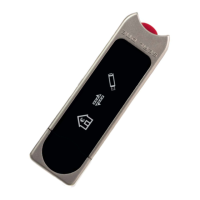
Explains the 3 simple steps to authorize a transaction: Connect, Review, Confirm.
Explains the process of enrolling the device with a partner and where to get help.
Details the steps to view the Seal One ID on the device display, required for enrollment.
Guides through the setup and configuration of Seal One on Windows.
Accessing and managing Seal One device settings like name, Quick Start, and proxy.
 General
| Capacity | 4TB |
|---|---|
| Interface | SATA 6Gb/s |
| Rotational Speed | 7200 RPM |
| Average Latency | 4.16 ms |
| Operating Temperature | 0°C to 60°C |
| Non-Operating Temperature | -40°C to 70°C |
| Shock Resistance (Operating) | 70G |
| Shock Resistance (Non-Operating) | 300G |
| MTBF | 1, 000, 000 hours |
| Type | HDD |
| Form Factor | 3.5" |

 To Next Page